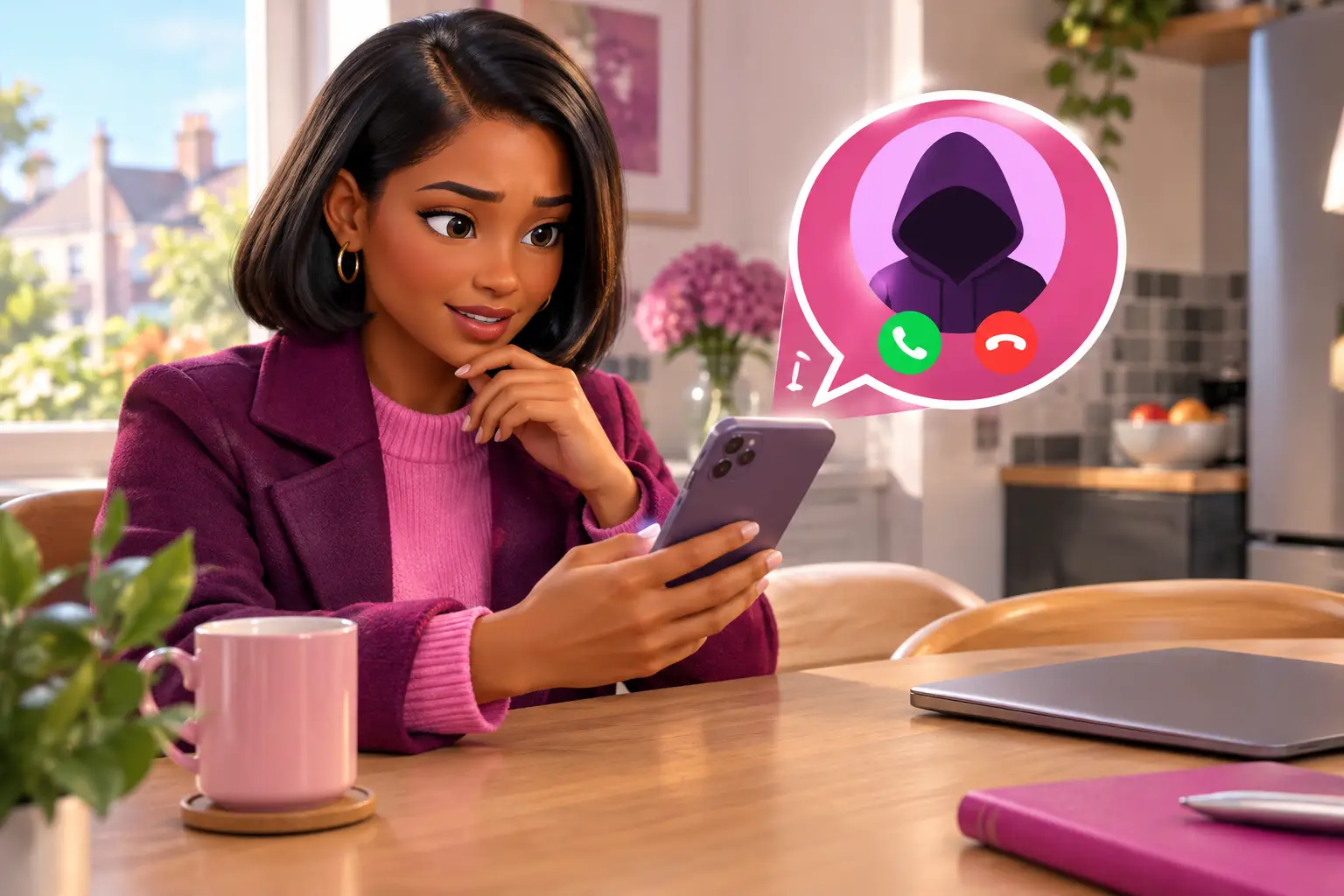
Short answer: To spot a broadband scam call or text, treat unexpected urgency, payment demands, password requests and unfamiliar links as warning signs. Do not confirm account details or follow instructions during the contact. End the call or ignore the message, then use the contact details on your bill or provider website to check it independently.
See my broadband deals. Postcode only. No signup. About 30 seconds.
- A real-looking caller number or sender name is not proof that a call or text is genuine.
- Never share passwords, bank details or one-time security codes with an unexpected caller.
- A genuine change to your broadband service should be checkable through a contact route you find yourself.
- You do not need to decide about a renewal, switch or payment while someone is waiting on the phone.
A renter whose contract is nearly up might receive a call claiming their broadband will be cut off unless they switch immediately. The caller may know their name and address, which can make the call feel convincing. That information does not prove they represent the provider. Pausing the conversation and checking independently is the safest response, especially if you are already comparing options or planning a move.
What are the first signs of a broadband scam call?
Short answer: Pressure and requests for sensitive information are the clearest early warnings.
Be wary if a caller says your router is unsafe, your connection will stop today, or a discount expires before you can put the phone down. Scammers often create a problem first, then present their payment link, account check or supposed fix as the only answer.
A caller might ask for your password, full bank details or a one-time code sent to your phone. Do not provide any of them. A one-time code can be used to approve access or a transaction, even where you did not intend to authorise it.
Also be cautious if the caller objects when you say you will call back using a number from your bill. A legitimate organisation should not need to stop you checking who you are speaking to.
Can I trust the number shown on my phone?
Short answer: No. Treat caller ID as a clue, not confirmation.
Caller ID is the name or number displayed when a call arrives. It can be spoofed, meaning a caller can make a different number appear on your screen. Ofcom advises people not to rely on the number displayed to verify an unexpected caller.
The same care applies to a text that appears in an existing message thread. A familiar sender label can make a message look credible, but it does not confirm who sent it. Look at what the message asks you to do rather than relying on its appearance.
If you want to verify a call, end it first. Find the provider's contact details through a bill, a statement or the provider's own website, then make a fresh call. Do not ring a number supplied by the unexpected caller or text.
What should a genuine broadband switch involve?
Short answer: You should understand the provider, service and contract before you agree to anything.
A normal sales conversation may include questions about your address and current service, but you can choose to stop and compare in your own time. You should be able to read the contract information and any charges before agreeing, rather than being pushed to act during an unsolicited contact.
One Touch Switch went live on 12 September 2024 and is run by TOTSCo. For an eligible home broadband switch, you contact the new provider, which manages the switching process with the old provider. You should not need an unexpected caller to take control of the process for you.
Price claims deserve a second check too. Since 17 January 2025, Ofcom rules have required new consumer contracts with mid-contract rises to show those rises in pounds and pence at the point of sale, rather than linking them to inflation. If a caller makes vague claims about a future price, ask to see the contract terms through an official route.
| Contact type | Safer response | What to avoid |
|---|---|---|
| Unexpected phone call | End the call and use independently found contact details. | Confirming security answers or payment details. |
| Unexpected text | Do not use its link. Check your account separately. | Replying with personal information or codes. |
| Doorstep visit | Ask for written information and verify it before discussing your account. | Signing or paying under pressure. |
| Genuine renewal decision | Review your contract and compare available services at your address. | Assuming a caller's deal is your only option. |
What should I do while the caller is still on the line?
Short answer: Share nothing sensitive, make no payment and end the call calmly.
You do not need a detailed explanation. Say that you do not make account changes during unexpected calls, then hang up. Do not press buttons to be removed from a calling list if the caller instructs you to do so, and do not install anything on a computer or router because they ask.
If the caller says they are responding to a fault, check whether you have independently reported one. If there is a real connection problem, contact your provider through its official support route. That keeps the discussion tied to an account you control, not a contact initiated by someone else.
Write down the time, the displayed number and what was said if it helps you remember. This can be useful when you speak with your provider or report the contact.
How do I check a suspicious broadband text?
Short answer: Do not tap its link. Open your account or find contact details separately.
Broadband scam texts commonly claim that a bill has failed, a service is due to end or a router needs replacing. The aim is usually to get you onto a convincing copy of a login or payment page. Small spelling errors can be a warning, but polished wording does not make a message safe.
Check your account only by entering the provider's website address yourself or using its normal app, if you already use one. If there is a genuine billing or account issue, it should be possible to confirm without using the link in the text.
Keep screenshots of the message before deleting it. Your provider may be able to confirm whether it sent the text and advise how to report it. Do not forward the message to friends as a warning if that could lead them to open its link.
What if I have already shared information or paid?
Short answer: Act promptly, but do not panic or keep engaging with the caller.
If you shared bank or card details, contact your bank using a number you already trust and explain what happened. If you shared a password, change it through the official account route and use a new, unique password. Where you gave a one-time code, tell the bank or provider exactly what you shared.
Contact your broadband provider independently if you think an account change, cancellation or order may have been made. Ask it to check recent activity on the account. Keep any messages, call notes and payment records until the issue is resolved.
For consumer guidance on scams and reporting options, Citizens Advice provides UK advice. If a complaint with a communications provider is not resolved, the provider can tell you which approved alternative dispute resolution scheme, Communications Ombudsman or CISAS, applies to it.
What else do people ask about broadband scam calls and texts?
Will a broadband provider ever call me?
It may contact you about an existing account, an appointment or a service matter. But an unexpected call should still be verified independently before you discuss security details, agree to a contract or make a payment. The safe step is the same whether the caller sounds knowledgeable or already has some information about you.
Is a text about my contract ending always a scam?
No. Providers can send legitimate account messages. The issue is not the topic but the route the message asks you to take. Avoid its links and check your account through a route you find yourself. This lets you deal with a real renewal without trusting an unverified message.
Can a scammer cancel my broadband?
A scammer may try to obtain enough information to request account changes or to persuade you to approve one. Do not give security codes or passwords. If you are worried, contact your provider directly and ask it to review recent orders or changes on your account.
How can I switch without responding to sales calls?
Choose the service yourself after checking what is available at your address, the contract length, installation position and total stated charges. With One Touch Switch, the new provider handles an eligible switch, so you normally do not need to contact the old provider to arrange it.
What to do next
- Save your provider's genuine contact details from a bill or its official website, so you do not need to search while under pressure.
- If you are nearing renewal or unhappy with your service, review your current contract before discussing any new deal.
- Use a postcode check to see the broadband options available at your address, then choose on your own terms.
See my broadband deals. Postcode only. No signup. About 30 seconds.
An unexpected call should never be the moment you decide your household's broadband service. Take the time to verify the contact, check your options and make the next step yourself.