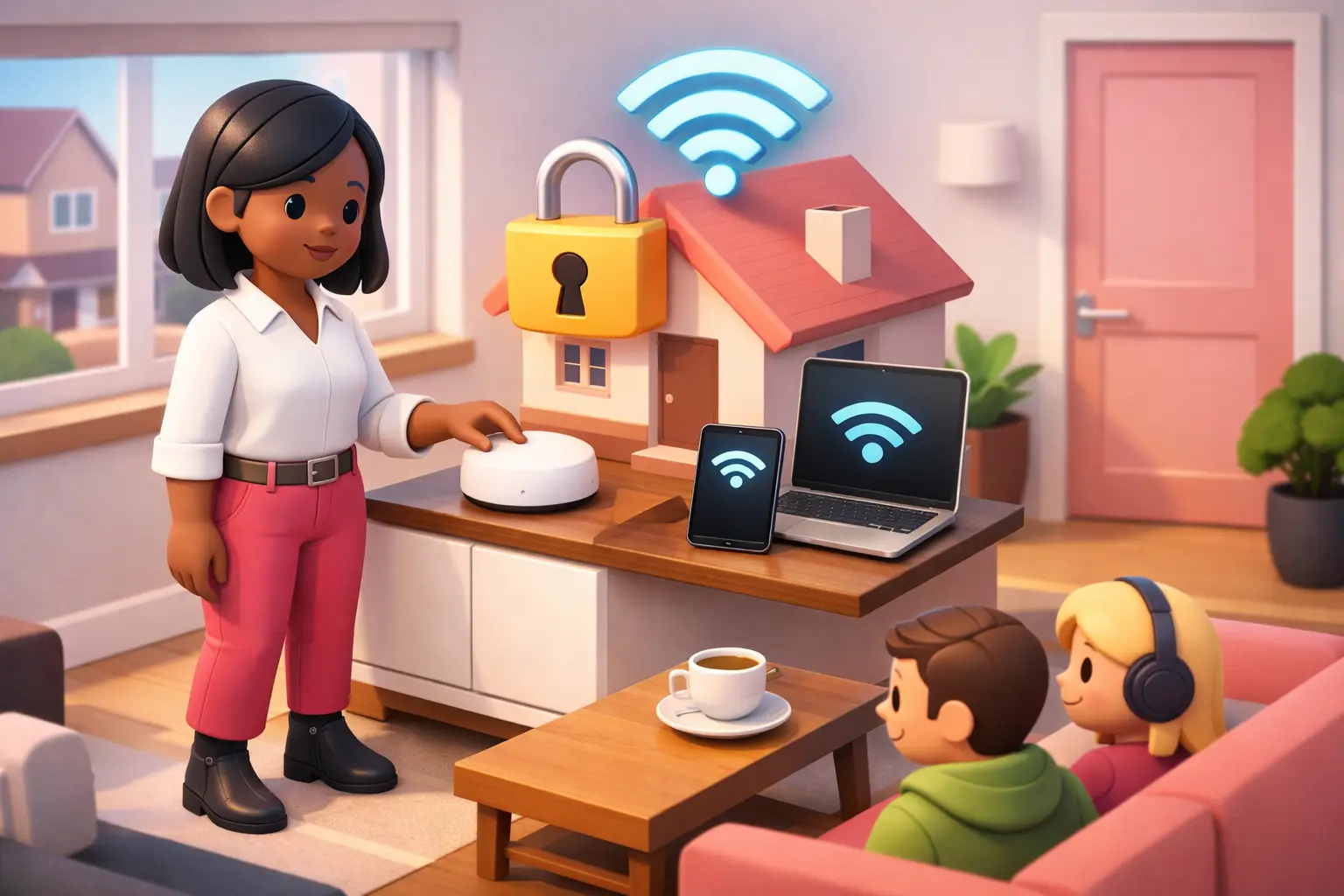
Direct answer: To set up guest WiFi at home in the UK, sign in to your router settings, enable the guest network, give it a separate name and password, then keep guest devices away from your main network. This protects work devices, shared files and smart home controls without making visitors ask for your usual WiFi password.
- Use a different password for guests, even if they are regular visitors.
- Turn on device isolation if your router offers it.
- Choose a clear network name that does not reveal your address or surname.
- Check your broadband package if several visitors, home workers or business devices share the connection.
What is guest WiFi and why should you use it?
Guest WiFi is a second wireless network created by your home router for visitors and less trusted devices. It gives people internet access without putting them on the same local network as your laptop, printer, work equipment or connected home devices.
The main benefit is separation. A guest who joins the visitor network should not need access to devices connected to your primary network. This is particularly useful in a household with children, regular visitors, lodgers or a home office handling client information.
Guest access is not a substitute for a strong main-network password or router updates. It is one sensible layer of protection. The exact controls vary by router, so look for settings called Guest Network, Guest WiFi, Visitor Network or Device Isolation. If those options are absent, your router may be older or supplied with simpler software.
How do you set up guest WiFi at home in the UK?
Start by connecting a computer or phone to your usual home WiFi, then open the router's settings page or its official management app. The sign-in details are often printed on the router label, although they may have been changed during installation. Use the router instructions if you cannot find the correct address or login details.
Find the wireless or WiFi section and select the guest-network option. Enable it, choose a network name, create a new password and save the changes. Your router may briefly restart its wireless connection while it applies the new settings.
Test the guest network with a phone after setup. Confirm that it can reach the internet, then check that it cannot see local devices if isolation is available. Do not use the same network name or password as your main WiFi, as that removes much of the practical benefit of creating a separate network.
Which guest WiFi settings should you choose?
Use WPA2 or WPA3 security where your router offers it, and set a password that is difficult to guess but manageable to share. A memorable phrase made from several unrelated words is usually more practical than a short, obvious password. Avoid names, addresses, birthdays and anything printed publicly near the router.
Switch on guest-device isolation, sometimes called client isolation, if it is available. This aims to stop guest devices communicating directly with each other and with devices on your main home network. It is useful where visitors bring work laptops or where you do not know every device connecting.
| Setting | Recommended choice | Why it helps |
|---|---|---|
| Network name | A neutral, recognisable guest name | Visitors can find it without learning personal details |
| Password | A separate, strong passphrase | You can change guest access without disrupting your household |
| Device isolation | On, where available | Limits access between guest and local devices |
| Automatic shut-off | Use for occasional visitors, where available | Reduces the chance of old access being left active |
If your router allows a bandwidth limit, use it cautiously. A limit can preserve capacity for video calls and work, but setting it too low can make ordinary browsing frustrating for guests.
Will guest WiFi slow down your broadband?
Guest WiFi does not create a second broadband connection. It shares the same fixed line, cable, 4G or 5G home broadband service as your main network, so overall performance depends on how much capacity is available and what everyone is doing online.
A few guests browsing websites or checking messages are unlikely to create a noticeable problem on a healthy connection. Performance can change quickly if several people make video calls, upload large files or use high-bandwidth services at the same time. WiFi coverage also matters: a weak signal in a spare room can look like a broadband-speed issue even where the connection entering the home is performing normally.
Position the router in an open, central area where possible, rather than behind a television or inside a cupboard. If guest use regularly affects home working, look at the package's typical speed, router capability and available connection types at your exact address before changing contract.
Do you need better broadband for guest WiFi?
You do not need a new broadband contract simply to enable guest WiFi. The deciding factor is whether your current router supports it and whether your household has enough capacity at busy times. A newer router can add useful controls, but it will not fix an underlying connection that is too slow for the number of people using it.
For homes with frequent guests, remote workers or a sole trader operating from home, compare the full cost rather than the headline monthly figure alone. Check the contract length, any setup charge, equipment-return terms and the stated price changes before you commit. Availability, installation requirements and expected speeds are address-specific, especially where full fibre, cable, altnets, FTTC, 4G or 5G options differ between nearby streets.
If you decide to switch, One Touch Switch means you normally contact only your new provider, which manages the process with the losing provider for eligible residential switches (TOTSCo, 2024). One Touch Switch went live on 12 September 2024 (TOTSCo, 2024).
How can you keep guest WiFi secure over time?
Review the guest password after a party, a short-term stay or any occasion where it has been shared widely. You do not need to change it every week, but changing it after a large gathering is a simple way to remove access you no longer intend to give.
Keep the router software updated where automatic updates are offered. Also change the router administrator password if it still uses the default printed credential, because that password controls the network settings themselves. Store the new administrator password securely and separately from the guest WiFi password.
Turn the guest network off when you have no use for it if that suits your household. For homes with regular visitors, leaving it on is reasonable, provided the password is strong and isolation is enabled. If your router cannot create a separate guest network, use a carefully controlled main password and consider whether a router replacement is appropriate.
What does guest WiFi mean for broadband costs and contracts?
Guest WiFi is normally a router feature, so it should not itself add a separate monthly broadband charge. However, a replacement router, a new package or an engineer visit can involve charges depending on the service available at your address and the contract selected. Treat all advertised prices, installation times and speeds as current-month, postcode-variable information.
Read the contract summary before ordering. From 17 January 2025, new contracts covered by Ofcom rules cannot use inflation-linked mid-contract price rises, and any planned rise must be shown in pounds and pence at the point of sale (Ofcom, 2024). That makes it easier to assess likely total cost, but you should still check the exact wording for your chosen deal.
Moving home can also affect your options. Tell the provider early, confirm whether the same service is available at the new address and ask about any installation lead time before relying on guest access for visitors or work.
Guest WiFi FAQs
Is guest WiFi safer than sharing my normal password?
Usually, yes. A guest network separates visitor access from your primary home network when the router supports proper isolation. It also lets you change one password after visitors leave without reconnecting every household device. Security still depends on using a strong password and keeping the router updated.
Can guests see my printer or work laptop?
They should not be able to if guest-device isolation is enabled and working correctly. Router controls vary, so test the guest network after setup. If a guest device can find local equipment, check the wireless settings or ask the router supplier for support before sharing the network more widely.
Should I give guests a QR code for WiFi?
A QR code can be convenient for trusted visitors because it avoids repeatedly typing the password. Keep it for the guest network rather than your main network, and replace it if you change the guest password. Do not display a QR code publicly if you want to control who connects.
Can I use guest WiFi for a home office?
Use your main, protected network for your own work equipment where possible. Guest WiFi is better for visitors, temporary devices and devices you do not manage. If your work depends on reliable calls or file transfers, assess broadband capacity and WiFi coverage separately from guest-network security.
What if my router has no guest-network option?
Check whether a router software update or the router's official app adds the feature. If it does not, you can still protect your network with a strong main password and updated router software. A replacement router may be worthwhile if separate access is important for your household or home office.
A guest network is a small household change that can prevent an awkward choice between being welcoming and sharing too much access. If slowdowns, weak coverage or an expiring contract are also part of the problem, enter your postcode with BroadbandSwitch.uk to compare address-specific broadband options and review total costs before switching.