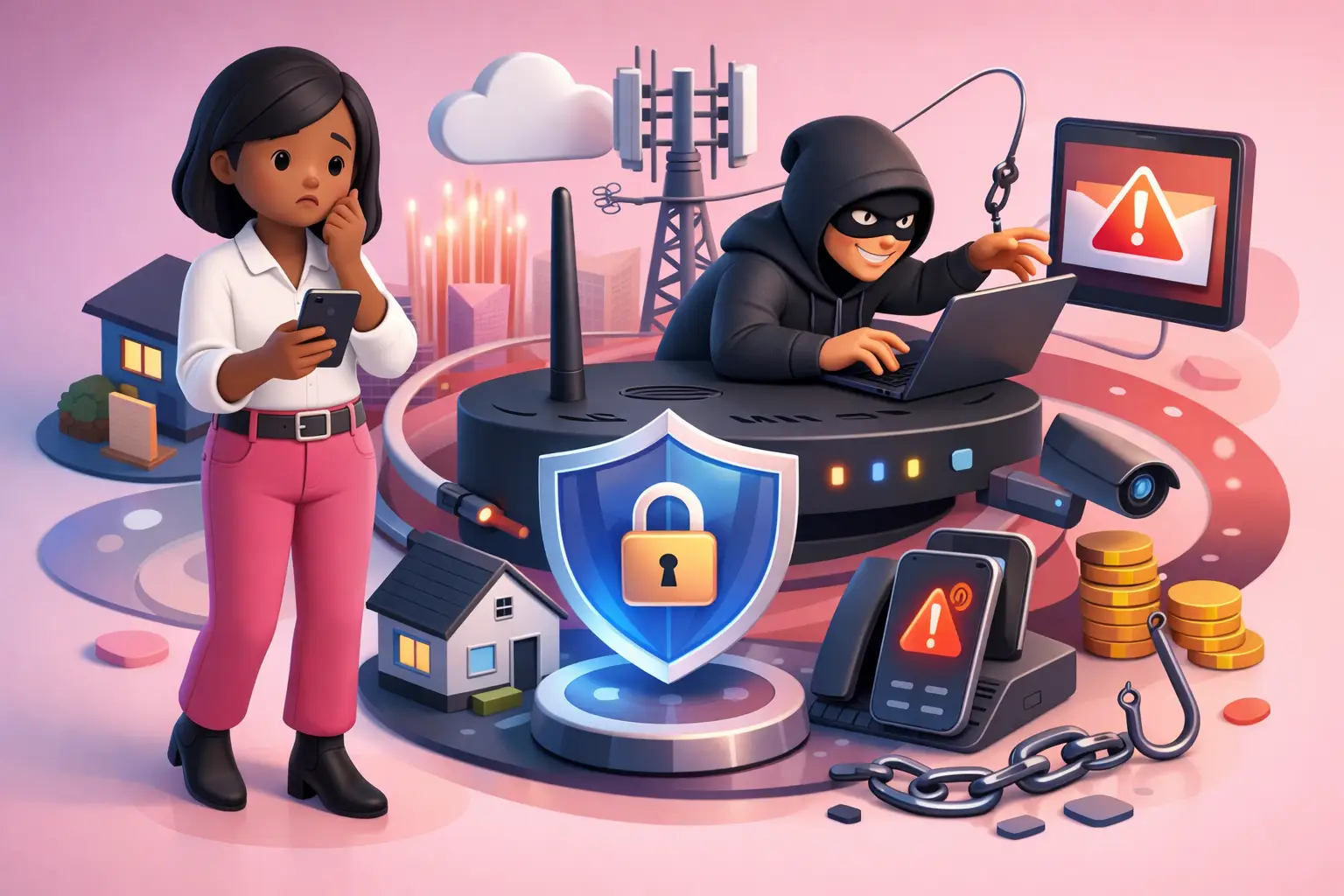
Broadband and Telecoms Scams: How to Spot Them and Stay Safe
The short version: scammers often pose as your broadband provider or as Openreach to steal your money or your details. The reassuring news is that they rely on the same handful of tricks every time, so once you know the tells, they are easy to spot. A real provider will never cold-call to threaten instant disconnection, ask to access your device, or ask for your bank details, and if you are caught, there is plenty of official help.
Quick answer: if someone contacts you unexpectedly claiming your broadband is about to be cut off, that your router is infected, or that you are owed a refund, and they want remote access, a payment or your bank details, it is a scam. Hang up, do not tap the link, and call your provider back on a number you have found yourself. This guide shows you how to spot these scams, where to get official help, and how to report them.
Key takeaways
- Urgency is the giveaway. A genuine provider will not cold-call to say your broadband will be cut off within hours.
- Openreach never cold-calls customers, never sells packages, and never asks for bank details or remote access.
- Caller ID is not proof. Scammers can make a call look as if it comes from a trusted company.
- If you are tricked into a bank transfer, you may get your money back, and official help is a phone call away.
How common are these scams?
Common enough that almost everyone has had one, so if it happens to you, you are in good company and it is nothing to feel embarrassed about. Ofcom research found that eight in ten people experienced some form of phone scam over a single summer, yet fewer than two in ten reported it (Mobile UK, n.d.). That reporting gap matters, because every scam text and call you report helps networks and the authorities block the criminals behind them. The good news is that spotting these scams is a skill anyone can learn in a few minutes, and there is a national campaign, Stop! Think Fraud, run by the Home Office to help you do exactly that (Stop! Think Fraud, n.d.).
The scams that target broadband customers
Fraudsters like to pose as a company you already trust, and your broadband or phone provider is a favourite. These are the versions to watch for:
- The disconnection threat. A call or recorded message warns that your broadband will be cut off within 24 hours, often blaming "suspicious activity" on your line, to panic you into acting (Action Fraud, n.d.).
- The router "repair" con. A caller claims to have detected a fault, a virus or a hack on your router, and asks to install remote-access software such as TeamViewer or AnyDesk to fix it. This hands them your device (Action Fraud, n.d.).
- The "fault in your area" opener. A softer version that claims there is a local fault and they need to test your line, used to build trust before the real ask.
- The refund or compensation hook. A message says you are owed money on your bill and asks you to "confirm" your bank details, which is how they empty the account, not fill it.
- The fake upgrade or deal. An unsolicited offer of a speed upgrade or a cheaper deal, designed to harvest your details or sign you up to something that is not real.
- Phishing texts and emails. Messages that look like they are from your provider or bank, carrying a link to a convincing fake website that captures whatever you type.
- The doorstep "Openreach" caller. Someone knocks claiming to be from Openreach, with no genuine identification. Openreach does not turn up out of the blue.
The one thing nearly every scam relies on
Number spoofing. Scammers can make a call or text appear to come from a recognisable company name, a local number, or an ordinary UK landline, and a fake text can even drop into a genuine message thread. So the single most important thing to remember is that caller ID is not proof of who is calling. However convincing it looks, treat an unexpected contact on its own merits, not on the name that flashes up.
How a real provider actually behaves
The quickest way to see through these scams is to know how genuine companies operate. A crucial point of confusion is the difference between your provider and Openreach. Openreach maintains much of the UK's broadband infrastructure, but it is a separate company from the providers who sell to you, and it deals with your provider, not with you. As BT's own guidance puts it, Openreach will never ask you for personal information like bank details, in person, over the phone or by email, and will never ask to remotely access your computer, phone or tablet. So a caller announcing they are from "BT Openreach" about your service is already showing their hand.
More broadly, a legitimate provider will not do any of the following, so treat every one as a warning sign.
| The scam says | The truth is |
|---|---|
| "Your broadband will be cut off within 24 hours." | Your provider will not cold-call to threaten instant disconnection; account matters come to you in writing. |
| "We've found a virus on your router, we need remote access." | No genuine provider or Openreach asks to control your device, and they do not monitor your computer for viruses. |
| "This is Openreach calling about your service or a new deal." | Openreach is the network company, not a retailer; it never cold-calls to sell or turns up unannounced. |
| "You're owed a refund, just confirm your bank details." | A real refund never needs you to hand over bank details or move money on the spot. |
Two questions that catch a scammer out
If you are ever unsure on a call, a couple of simple questions usually settle it:
- "Who is my broadband provider?" A genuine caller from your provider will know. If they cannot say, or answer vaguely with "Openreach", the call is almost certainly not genuine.
- "What model is my router?" If they had really detected a fault, they would know. A generic answer is a red flag.
You are under no obligation to help them, though. If anything feels off, the safest move is simply to hang up.
The official rule of thumb: Stop, Think, Check
The government's national anti-fraud advice boils down to three words. Stop: take a moment, and do not be rushed, because genuine organisations will not mind you pausing. Think: could this be fake? Check: contact the organisation directly, using a number or website you find yourself, such as from a bill or statement, never the details the caller or message gave you (Stop! Think Fraud, n.d.). If a call, text or email is pressuring you to act immediately, that pressure is itself the biggest clue.
What to do if you think it is a scam
Keep it simple, and take your time.
- Stop. Do not press buttons, share information, download anything, or grant access.
- Hang up, or, for a text or email, do not tap the link.
- Check independently. Find your provider's number on a recent bill, or type their website address in yourself, and call them back. Wait a few minutes or use a different phone first, because scammers can keep the previous line open.
- Report it using the official routes below.
If you think you have already been caught
First, please do not be hard on yourself. These scams are professionally designed and anyone can be caught, so the important thing is simply to act quickly.
- If you gave someone remote access: disconnect the device from the internet, remove any software you were asked to install, run a reputable security scan, and change your important passwords, especially email and banking, from a different, trusted device.
- If you shared bank details or made a payment: contact your bank immediately using the number on your card, or call 159 to reach your bank safely.
- You may be able to get your money back. If you were tricked into transferring money to a scammer by bank transfer on or after 7 October 2024, banks and payment firms must reimburse most victims of authorised push payment fraud, under rules set by the Payment Systems Regulator. Report it to your bank and to Action Fraud as soon as you can (Friends Against Scams, n.d.).
- Look after yourself, too. Scams can knock your confidence, not just your wallet. Victim Support offers free, confidential help to anyone affected by crime, including fraud, on 0808 168 9111 (Friends Against Scams, n.d.).
Official help and where to report a scam
All of these are free, and reporting genuinely helps stop the criminals behind these scams.
- Scam text or call: forward a text to 7726 (free, spells SPAM), or text 7726 with the word Call and the number, so your network can investigate and block it.
- Report fraud: Action Fraud on 0300 123 2040 (England, Wales and Northern Ireland), or Police Scotland on 101.
- Scam websites and phishing emails: the National Cyber Security Centre can investigate and take down fake websites; forward suspicious emails to report@phishing.gov.uk.
- Trusted advice: the government's Stop! Think Fraud campaign and Take Five to Stop Fraud.
- Free training to protect yourself and others: Friends Against Scams offers short, free online scams-awareness sessions.
- Consumer advice: the Citizens Advice consumer service on 0808 223 1133.
- Support if you have been affected: Victim Support on 0808 168 9111, and call 159 to reach your bank safely.
Staying a step ahead
A few habits make you a much harder target: let unknown calls go to voicemail, use your phone's call-screening or a blocker, never share passwords or one-time codes with a caller, and turn on two-step verification for your important accounts, which the NCSC recommends as one of the simplest ways to protect them (National Cyber Security Centre, n.d.). It is also worth sharing this with older relatives, who are often targeted; the free Friends Against Scams training is ideal for that, and our guides to broadband for pensioners and helping an elderly relative with broadband may help too. And if you ever do want a better deal, get one on your own terms, from a trusted comparison, never from an unsolicited call.
If a scam has affected your service or your account, our guide to complaints and your rights explains your next steps, and our switching hub shows how to move provider safely if you decide to.
Frequently asked questions
Will my broadband provider ever call to say my internet will be cut off?
A genuine provider will not cold-call to threaten that your broadband will be disconnected within hours unless you act immediately. That urgency is the scam. Real providers contact you about your account mainly in writing, and they will never ask you to install remote-access software or hand over bank details to keep your service on.
Does Openreach cold-call customers?
No. Openreach is the company that maintains the network, not a retailer, so it deals with your provider, not with you directly. Openreach will never cold-call to sell you a package, ask for personal or bank details, ask to remotely access your device, or turn up at your door out of the blue. A caller who says they are from "BT Openreach" about your service is a red flag.
How do I report a scam call or text?
Forward suspicious texts to 7726, which is free on all UK networks and spells SPAM on a keypad. To report a scam call, text 7726 with the word Call followed by the number. If you have lost money or shared details, report it to Action Fraud on 0300 123 2040, or to Police Scotland on 101. Suspicious emails can be forwarded to report@phishing.gov.uk, and scam websites can be reported to the National Cyber Security Centre.
Can I get my money back if I was scammed?
Possibly, yes. If you were tricked into transferring money to a scammer by bank transfer on or after 7 October 2024, you may be entitled to be reimbursed. Under Payment Systems Regulator rules, banks and payment firms must reimburse most victims of authorised push payment fraud. Contact your bank as soon as you can, and report it to Action Fraud.
I gave a scammer remote access to my computer, what should I do?
Act quickly and do not panic. Disconnect the device from the internet, remove any software the caller asked you to install, and run a reputable security scan. Then change your important passwords, especially email, banking and shopping, from a different, trusted device. If any banking was involved, contact your bank immediately or call 159.
How can scammers show my provider's real number?
Through number spoofing, which lets a caller make their number appear as a recognisable company, a local number or a normal UK landline. This is why caller ID is not reliable proof of who is calling. If in doubt, hang up and call the company back on a number you have found yourself.
References
- Action Fraud. (n.d.). Report a scam. https://www.actionfraud.police.uk/reportscam
- Friends Against Scams. (n.d.). If you've been scammed [Authorised push payment reimbursement rules apply to payments made on or after 7 October 2024; Victim Support free support line 0808 168 9111]. National Trading Standards. https://www.friendsagainstscams.org.uk/been-scammed
- Mobile UK. (n.d.). Protect against fraud [Ofcom research: eight in ten experienced a phone scam; how to report to 7726 and Dial 159]. https://www.mobileuk.org/protect-against-fraud
- National Cyber Security Centre. (n.d.). Report a scam website. https://www.ncsc.gov.uk/
- Ofcom. (n.d.). Reporting scam texts and calls to 7726. https://www.ofcom.org.uk/phones-and-broadband/scam-calls-and-messages/7726-reporting-scam-texts-and-calls
- Ofcom. (n.d.). How to protect yourself from scam phone calls and texts. https://www.ofcom.org.uk/phones-and-broadband/scam-calls-and-messages/how-to-protect-yourself-from-scam-phone-calls-texts
- Stop! Think Fraud. (n.d.). The national campaign against fraud. Home Office. https://stopthinkfraud.campaign.gov.uk/
- BT. (n.d.). Openreach and BT scam calls: how to protect yourself [Openreach will never ask for bank details or remote access]. British Telecommunications plc. https://www.bt.com/
Written by Adrian James, Broadband Editor at BroadbandSwitch.uk (LinkedIn). Reviewed by Dr Alex J. Martin-Smith (LinkedIn). Published 19 July 2026.