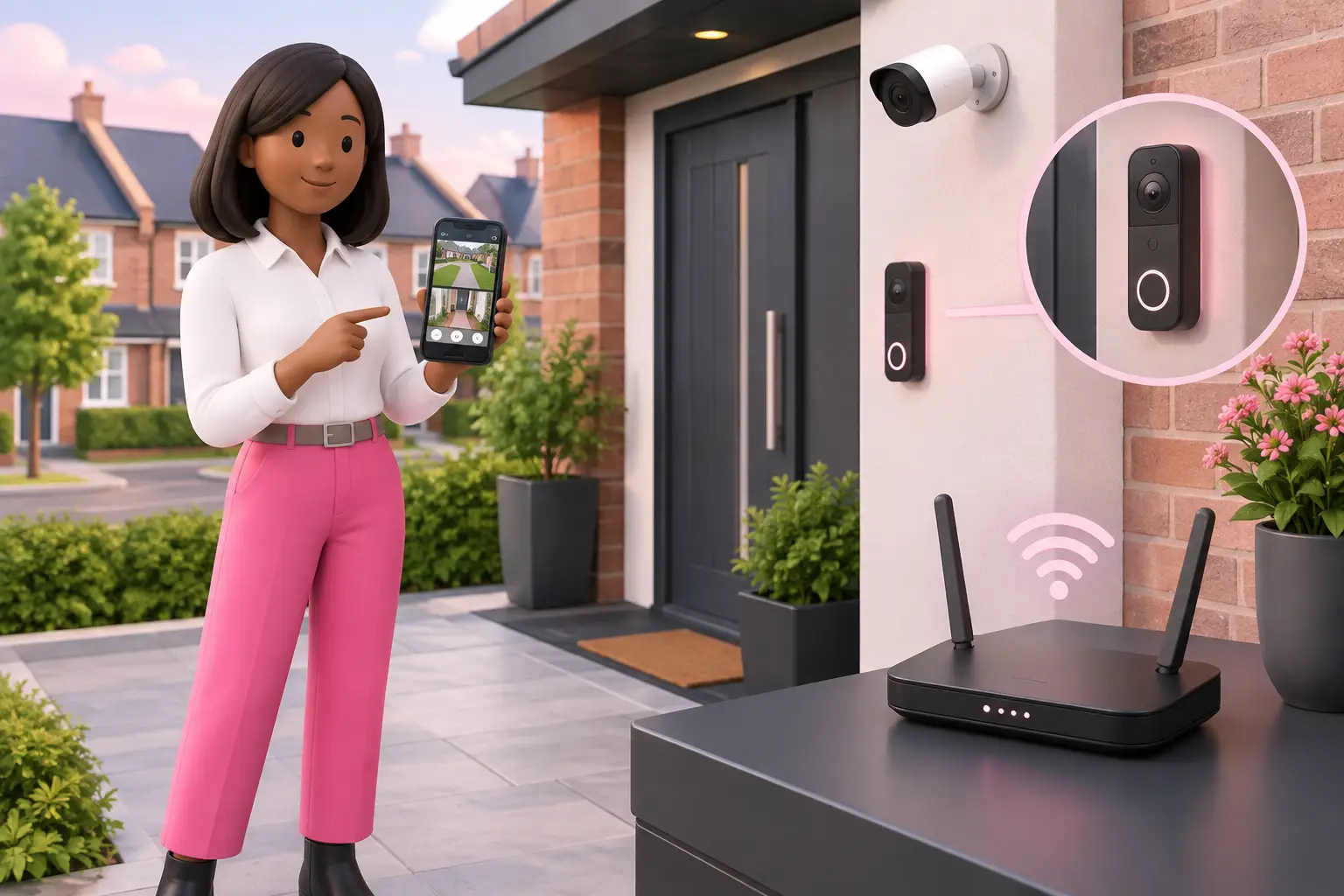
Direct answer: Broadband for a home full of security cameras and video doorbells UK households can rely on should prioritise a consistent upload connection, strong whole home Wi-Fi and enough capacity for everyone else online. Full fibre is usually the clearest choice where available, but the right package still depends on your property, camera settings and budget.
By Dr Alex J Martin-Smith, Strategic Lead
- Prioritise upload performance and Wi-Fi coverage, not just the headline download speed.
- Full fibre can be a strong fit for several cameras because it is designed with fibre running to the property.
- Check the total contract cost, setup charges and stated in contract rises before placing an order.
- Your exact address determines whether full fibre, cable, FTTC, altnets, 4G or 5G home broadband are available.
What broadband do I need for lots of security cameras and video doorbells?
You need a connection that can send camera footage reliably whilst other people in the household work, browse and make calls. Security cameras and video doorbells use your broadband upload capacity when they send live video, clips and alerts away from the home. The more devices that may transmit at once, the more valuable steady upload performance becomes.
Do not choose solely on a large advertised download number. A household with several cameras may be better served by a package with a suitable upload speed and well placed Wi-Fi equipment than by a cheaper package whose headline speed looks impressive but does not address upstream traffic or weak coverage at the front door.
Full fibre, also called FTTP, is the first connection type to check at your address. Cable can also be suitable, whilst FTTC may work well for a smaller setup but can involve more compromise if the household has heavier simultaneous use. Availability, quoted speeds and prices are postcode and address specific.
Is full fibre best for a home full of security cameras and video doorbells?
Full fibre is normally the strongest starting point because the fibre connection reaches the property, rather than relying on a copper line for the final section. That makes it a sensible option for households planning to run multiple connected cameras, a video doorbell and ordinary home broadband activity at the same time.
It is not an automatic answer for every home. A compact flat with two cameras may be well served by an available FTTC or cable service if the quoted upload performance and Wi-Fi coverage meet its needs. Conversely, a larger house with cameras at a driveway, garden office and rear entrance may still have poor results on full fibre if the router is badly positioned.
| Connection type | Best fit | Check before ordering |
|---|---|---|
| Full fibre, FTTP | Several cameras and busy household use | Quoted upload speed, installation timing and router location |
| Cable | Homes with suitable service available | Upload details, contract terms and in home Wi-Fi reach |
| FTTC | Smaller camera setups or limited local choice | Address estimate and performance during busy household use |
| 4G or 5G home broadband | Properties without a suitable fixed line option | Indoor signal, data terms and consistency at the property |
How much upload speed do security cameras and doorbells need?
There is no single honest figure for every household because cameras can use different video quality settings, record continuously or only on motion, and upload at different times. The useful approach is to count the devices likely to be active together, then leave headroom for video calls, cloud backups and other upload tasks.
Ask each camera manufacturer for its stated bandwidth requirement and add the requirements for simultaneous use rather than assuming one device tells the whole story. If your doorbell sends a live view whilst two cameras detect motion, your broadband must cope with all three transmissions alongside normal household use.
Treat quoted speeds as estimates where they are presented that way. Test your existing connection at several times if you can, particularly when cameras are active, then compare that experience with the upload information available for new services at your exact address. A dependable connection with sensible spare capacity is preferable to running permanently at its limit.
Will better broadband fix my camera connection problems?
Better broadband can help if the fixed connection is the limiting factor, but it will not repair every camera problem. Many doorbell complaints are really Wi-Fi coverage issues: the device is far from the router, separated by thick walls or positioned near an entrance where the signal is weakest.
Start by checking whether the affected camera has a strong wireless signal where it is installed. Moving the router to a more central, open position can help, provided the broadband connection point allows it. In larger homes, a properly planned Wi-Fi system may be more useful than paying for a higher speed tier alone.
Also consider contention inside the home. Several devices sharing one crowded wireless area can affect responsiveness even if the broadband line is capable of more. Before switching, separate the question into two parts: whether your broadband upload is sufficient and whether the camera can receive a reliable Wi-Fi signal. That distinction can prevent an unnecessary contract change.
What should I check before comparing camera friendly broadband deals?
Compare the whole offer, not only the monthly figure. Current month prices, speed estimates, setup fees and contract lengths can vary by postcode and exact address. Check what you will pay across the full initial term, whether an installation appointment may be needed and what happens if your move date changes.
Read the contract wording on price changes carefully. From 17 January 2025, Ofcom requires new broadband contracts with mid contract price rises to state those rises in pounds and pence at the point of sale, rather than linking them to inflation (Ofcom, 2024). This gives households clearer information for calculating the total expected cost.
For camera households, put upload information alongside the financial comparison. A lower priced service may still be the right choice if it meets the requirements at your address. Paying more is justified only where the connection type, quoted performance or Wi-Fi plan solves a real limitation in your home.
How long does installation take for full fibre broadband?
Installation timing depends on what is already connected at the property. If a suitable full fibre service is already live, activation may be simpler. If fibre needs to be brought to the home or internal work is required, an engineer appointment may be necessary and the order can take longer.
Check this before cancelling an existing service, particularly if cameras are part of your security routine. Ask the new provider for the expected activation process for your exact address and keep your present service running until the replacement is working where possible. Renters should also check any permissions needed for work to the building.
Do not assume a house move will follow the same timetable as your previous address. Even neighbouring properties can have different network availability or installation requirements. Building Digital UK and Project Gigabit support the wider expansion of gigabit capable networks, but availability remains an address level question.
How do I switch broadband without losing camera access?
Plan the switch around continuity first. Save the Wi-Fi settings and account details for each camera, because a new router may require every device to be reconnected. If your cameras depend on notifications, arrange the changeover for a time when someone can test live views, recordings and alerts after activation.
For many residential switches, One Touch Switch means you contact only the new provider, which coordinates the switching process through TOTSCo. One Touch Switch went live on 12 September 2024 (TOTSCo, 2024). The process does not remove the need to check your own contract end date, early exit charges or any installation appointment.
Keep your old router connected until the new service is confirmed as live, if the provider's instructions permit it. Once the new Wi-Fi is ready, reconnect cameras one at a time and test them from both inside and outside the home. This is more practical than discovering a coverage gap after the old service has ended.
Frequently asked questions
Can several security cameras slow down my home broadband?
They can, particularly when several cameras upload live footage or clips at once. The effect depends on each device's settings, the available upload capacity and what else the household is doing. Check the camera makers' bandwidth guidance, then allow room for simultaneous activity rather than planning around one device.
Is 4G or 5G home broadband suitable for security cameras?
It can be suitable where fixed broadband choices are limited, provided indoor signal and service consistency are good at the property. Test the connection where the router will sit and review the service terms carefully. A fixed full fibre option may be preferable where available, but address specific results should decide.
Do I need a long broadband contract for a camera setup?
No. The suitable contract length depends on your circumstances, especially if you rent, expect to move or are waiting for full fibre to become available. Compare the complete initial cost and any setup charges alongside the term. A shorter option may offer flexibility, whilst a longer one can suit households settled at one address.
Should I replace my router when adding cameras?
Not always. First assess whether the current router provides reliable Wi-Fi at every camera position. If the broadband line performs well but a doorbell has weak signal, improving Wi-Fi coverage may solve the issue. A new broadband package is most useful where the connection itself lacks sufficient capacity or reliability.
Before you commit, use BroadbandSwitch.uk to compare availability at your exact address and weigh quoted speeds, contract terms, setup requirements and total cost. Then enter your postcode to see the broadband options that can support the way your home actually uses its connection.
Last reviewed: September 2026