By Dr Alex J Martin-Smith, Strategic Lead
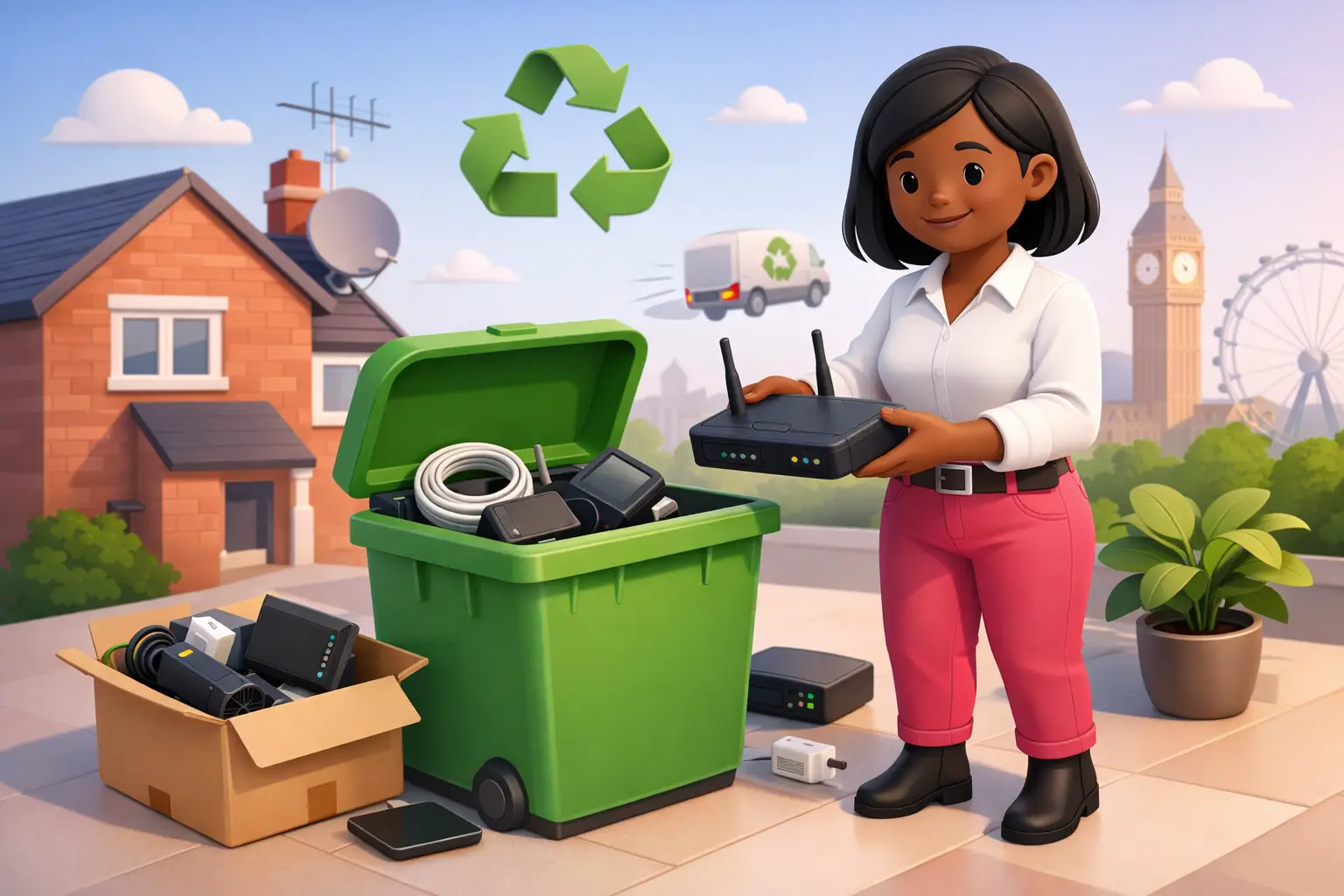
Direct answer: To recycle an old broadband router in the UK, first check whether your current or former provider wants the equipment returned. If not, remove personal settings, keep any reusable leads aside, and take the router to a suitable electrical recycling point rather than placing it in household waste.
- Check the return instructions before disposing of any router, hub, power supply or mesh equipment.
- Reset the router and remove any labels that show your Wi-Fi password or network name.
- Do not put a router in the general rubbish bin, as it is electrical equipment.
- Plan the return or recycling around your switch so your new connection is ready when needed.
How do I recycle an old broadband router in the UK?
The right route is to return it if requested, or use an electrical recycling facility if it is no longer needed. A broadband router contains electronic components and should not go in household waste. UK waste guidance says electrical equipment that displays the crossed out wheeled bin symbol must be collected separately from normal household rubbish (gov.uk, 2026).
Start with the paperwork or account messages from the provider you are leaving. Some equipment may be loaned rather than owned outright, so returning it can avoid an unreturned equipment charge. Keep proof of posting or a receipt from the collection point until the account has closed and any final charges have been settled.
If no return is requested, use your local authority recycling centre or a retailer collection option that accepts small electrical items. Ask the site staff if you are unsure whether they accept routers, power units and network leads separately. Do not leave the kit outside a shop or recycling bank, as that risks damage and does not guarantee correct handling.
| Best route | Use it when | What to keep |
|---|---|---|
| Provider return | Your provider has asked for its equipment back | Return receipt and tracking details |
| Electrical recycling point | You own the router and it no longer has a useful purpose | Any recycling receipt, where available |
| Reuse at home | The router works and is compatible with your new setup | Power supply, instructions and reset details |
Should I return my old broadband router before recycling it?
Yes, check for a return request first, because recycling equipment that belongs to a provider can create an avoidable dispute. The router itself, its power supply, mesh units and any other supplied hardware may have different return requirements. Only send back the items specifically requested, using the method and deadline given in your account communications.
Take a photograph of the equipment and note the serial number before packing it. This is especially useful if a parcel is delayed or an item is later recorded as missing. Remove personal accessories, such as a third party Ethernet cable, unless the return instructions say otherwise.
Do not delay a planned switch simply because you are waiting to post old equipment. In most cases, the return process and the new service activation can be handled alongside each other. Keep the old router available until the new broadband service is working, unless the provider explicitly requires an earlier return. That gives you a practical fallback while installation, activation or Wi-Fi setup is completed.
How do I wipe an old broadband router before recycling?
Reset the router to factory settings before it leaves your home, then remove any visible labels containing your Wi-Fi details. Routers can store network names, Wi-Fi passwords, administration settings and connected-device information. A reset reduces the chance that someone else could use information tied to your home network.
The reset method varies by model, but it commonly involves holding a recessed reset button while the router is powered on. Check the router guide or provider instructions for the correct process, rather than repeatedly pressing buttons at random. Wait for the device to restart, then confirm that your customised Wi-Fi name and password have disappeared.
Remove paper labels only if doing so does not obscure a required return serial number. If the router must be returned, photograph the serial number first and follow the provider's instructions on whether labels should remain in place. Do not attempt to open the router or remove internal components. The safer choice is a complete factory reset followed by a recognised return or recycling route.
Can I reuse an old broadband router instead of recycling it?
Sometimes, but compatibility matters more than the age of the router. A router supplied for FTTC may not be suitable for a full fibre connection, and equipment designed for one network type may not work with cable, 4G, 5G or an altnet service. Your new provider will normally specify whether it supplies the required router or permits compatible third party equipment.
Reusing a working router can make sense for a home office, a spare wired connection or a temporary Wi-Fi access point. It may also be useful if the new service uses the same connection type and the equipment supports the features you need. However, an older device can limit Wi-Fi coverage or make troubleshooting harder, even if the underlying broadband line is capable of more.
Avoid buying replacement hardware before you know which services are available at your address. Full fibre availability, installation requirements and supplied equipment vary by postcode and exact address. Check the available connection types first, then decide whether retaining the old router is genuinely useful or simply adds clutter.
What should I do with old router cables and power supplies?
Keep cables and power supplies with the router until you know whether the equipment must be returned. A missing power unit can prevent a returned router being tested and may cause a return to be marked incomplete. If the router is being recycled, ask the electrical recycling site whether it accepts the power supply and cables with the main unit.
Do not assume that power supplies are interchangeable because their plugs fit. Using the wrong power unit can damage equipment or create a safety risk. If you are keeping a cable for future use, label it clearly with the device it came from rather than storing it in an unidentified drawer.
Ethernet cables may be worth keeping if they are undamaged, particularly for a desk setup where a wired connection is more reliable than Wi-Fi. Damaged leads, obsolete accessories and unused splitters should be handled through an appropriate electrical recycling route where accepted. Keeping only useful, clearly identified accessories makes a house move or broadband switch less confusing.
Does recycling an old router affect my broadband switch?
No, provided you do not return or recycle equipment before you need it and you follow any return instructions. For residential switches covered by One Touch Switch, the new provider manages the switching process after you place the order, so customers generally contact only the new provider (TOTSCo, 2024). One Touch Switch went live on 12 September 2024 (TOTSCo, 2024).
Your main decision is timing. Keep the old router until the replacement service is active and you have tested the connection, unless your provider tells you otherwise. If an engineer visit is needed, wait until that work is complete before clearing away your existing kit. This is particularly helpful for people working from home or running a small business from home.
Before ordering, compare the total contract cost, setup charges, contract length and any stated price changes. For new contracts from 17 January 2025, Ofcom requires providers to show any mid contract price rises in pounds and pence at the point of sale, rather than linking increases to inflation (Ofcom, 2024). That makes it easier to judge the real cost alongside the practical task of recycling old equipment.
How can I choose the right broadband before recycling my old router?
Check your exact address before deciding what to do with your existing equipment. The available choices may include FTTC, full fibre, cable, altnets, 4G or 5G home broadband, and each can have different installation timing and router requirements. The right option depends on availability, the number of people online, Wi-Fi coverage in your property and how much certainty you need over the full contract cost.
For a household, focus on the connection type, expected speed information, upfront charges and contract terms rather than assuming the cheapest monthly figure is the lowest overall cost. For a sole trader or home office, ask whether you need a wired desk connection, backup connectivity or a particular installation date. Renters should also check whether permission is needed for any installation work.
Once you have chosen a service, keep your old router boxed and reset only when the new connection is working. That small bit of organisation helps avoid a gap in service and gives you a clear point at which to return, reuse or recycle the old kit.
What else do people ask about recycling old broadband routers?
Can I put an old broadband router in my household bin?
No. A router is electrical equipment and should be kept out of household waste. Use a provider return route where required, or take it to a suitable electrical recycling point. gov.uk states that electrical equipment marked with the crossed out wheeled bin symbol must be collected separately from normal household rubbish (gov.uk, 2026).
Do I need to return a router after cancelling broadband?
It depends on the terms for the equipment you were supplied. Check the cancellation confirmation and any return instructions before disposing of it. If a return is requested, send the specified items by the stated deadline and retain proof of posting or collection until your final bill and account closure are complete.
Should I factory reset my router before returning it?
Yes, unless your provider gives different instructions. A factory reset removes your personalised network settings, including your Wi-Fi name and password. Photograph any serial number before resetting or packaging the device, especially where that number is needed to confirm the return.
Can I keep my old router as a spare?
You can keep it if you own it, it works safely and it is compatible with a useful purpose. Do not assume it will work on a new full fibre, cable, 4G, 5G or altnet connection. Confirm the new service's equipment requirements before relying on an older router as a backup.
Will returning my router interrupt my new broadband service?
It can if you send it back before the new service is active. Keep the existing router until you have tested the new connection, unless you are instructed to return it sooner. Under One Touch Switch, the new provider manages the residential switching process after the customer places an order (TOTSCo, 2024).
A tidy router return is a useful final step, but the priority is choosing a connection that suits your address and household. Enter your postcode in the BroadbandSwitch.uk comparison tool to check available broadband options, compare total costs and move forward with a clearer plan.
Last reviewed: August 2026