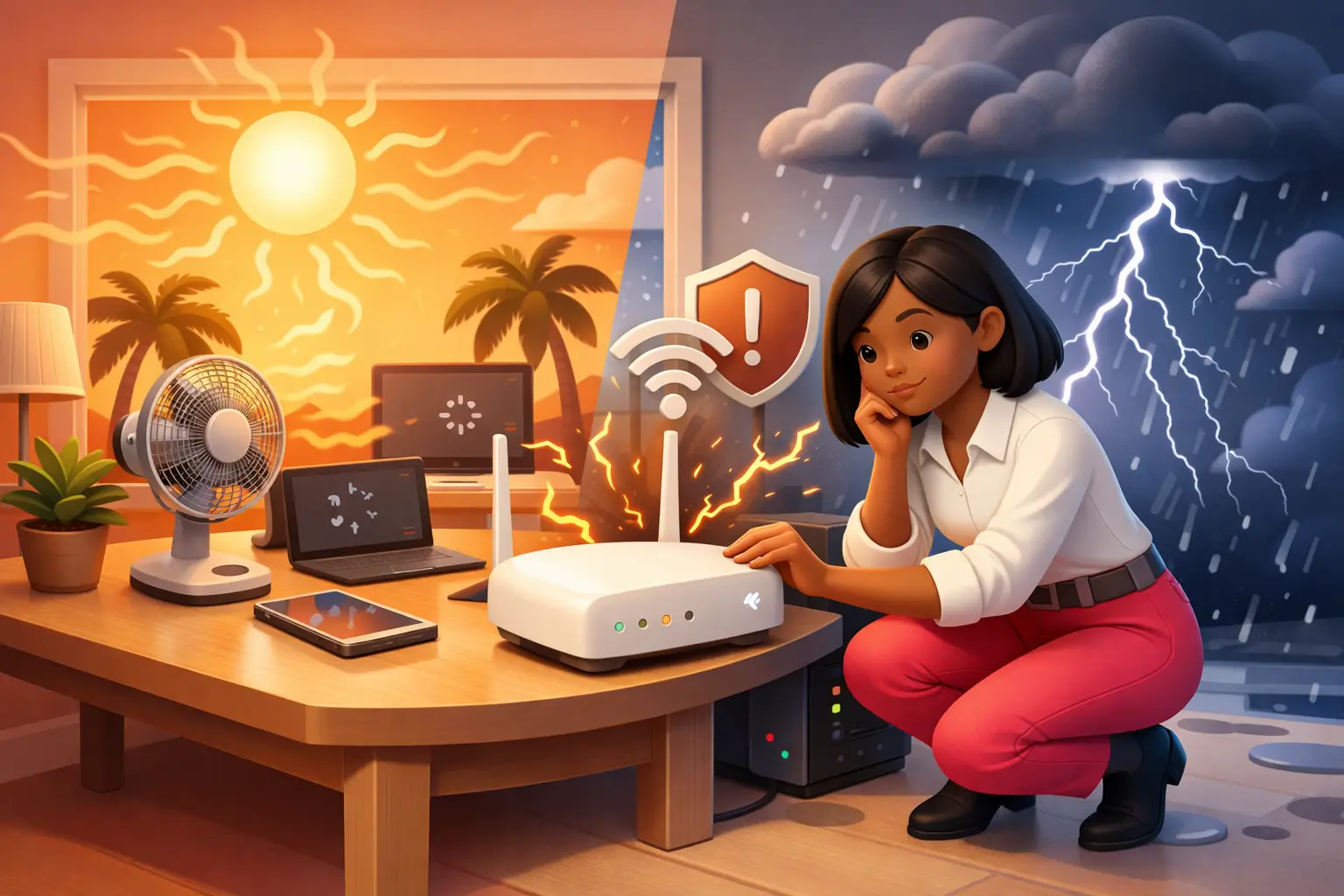
Is the Heat Slowing Your Wi-Fi? How to Protect Your Broadband as the Heatwave Breaks into Storms
The short version: hot weather does not weaken your Wi-Fi signal, but it can overheat your router and slow everything down, and as this heatwave breaks into thunderstorms, lightning can send a damaging surge through your router even without a direct strike. Keep it cool, and unplug it in a severe storm.
Quick answer: if your broadband has felt sluggish this week, you are not imagining it. In a heatwave, routers overheat and throttle themselves, and more people indoors streaming can congest the network. Then, as the heat gives way to storms, power surges become the real threat to your kit. Here is exactly what is happening, and seven quick ways to protect your connection this weekend.
Key takeaways
- Heat affects your equipment, not the Wi-Fi signal: an overheating router throttles speeds, drops connections, or shuts down.
- Heatwaves also mean more people indoors streaming, which can congest shared networks.
- Full fibre shrugs off the heat; older copper lines cope less well.
- The real weekend risk is the storms: a lightning surge can damage a router through the power supply or the phone line, so unplug both in a severe storm, or fit a surge protector.
Why does hot weather slow your Wi-Fi?
The important thing to know is that heat does not weaken the Wi-Fi signal travelling through your home. What it does is affect the equipment and the network behind it. A router works hard and generates its own heat, so on a very hot day, especially if it is sitting in direct sunlight or crammed into a stuffy cupboard, it can overheat and quietly throttle its speed, drop connections, or shut down entirely to protect itself. Move it somewhere cooler and it usually recovers.
There is a second effect too. When it is baking outside, more people stay indoors streaming, gaming and scrolling, and that surge of demand can congest the shared parts of the network and slow everyone down, particularly in the evening. Here is the picture at a glance.
| What the heat does | Why it happens | The fix |
|---|---|---|
| Overheats your router | Routers throttle or shut down to protect themselves when they get too hot | Move it to a cool, shaded, well-ventilated spot |
| Congests the network | More people stay indoors streaming and gaming on hot days | Wire up for anything important; retest at a quieter time |
| Strains old copper lines | Sustained heat can affect ageing copper; full fibre is unaffected | Consider full fibre if your line struggles in the heat |
The bigger risk this weekend: storms and power surges
As the heat breaks, thunderstorms arrive, and that is when the real danger to your equipment shows up. A lightning strike does not need to hit your home to cause harm. A nearby strike can push a sudden power surge into your electrics, and that surge can travel two ways: down the mains supply into anything plugged in, and down a copper phone line into your router. The result can be a fried router or modem.
This is one more quiet advantage of full fibre. Because the fibre carries light down a strand of glass, and glass does not conduct electricity, a full fibre line is far less exposed to lightning surges than an old copper or part-fibre connection. Your router still runs on mains power, though, so it is never completely immune, which is why a little protection goes a long way.
Seven quick ways to protect your broadband this weekend
- Get it out of the sun. Direct sunlight and hot windowsills are the enemy, so move the router to a shaded spot.
- Let it breathe. Do not box it into a cupboard, behind the TV or under a pile of books; give it clear air on all sides.
- Keep it off the heat. Sit it away from other warm gadgets and hot surfaces.
- Cool a hot router down. If it has already overheated, unplug it for around 15 minutes to cool, then switch it back on.
- Fit a surge protector. A decent surge-protected extension for your router and modem guards against everyday power spikes.
- In a severe storm, unplug it fully. Pull the power and, if you are on a copper or part-fibre line, the phone cable from the wall too, because surges travel down both.
- Wire up what matters. For an important video call or a big download, an Ethernet cable is steadier than Wi-Fi in any weather.
Still slow once the weather passes?
Most weather slowdowns are temporary, and your connection should bounce back once things cool down and the storms clear. If it does not, the problem may not be the weather at all, it may be your equipment or the line itself. The quickest way to tell is to run a test right next to the router, ideally wired in. Try our Pulse speed test and compare it with what you are paying for. If your line is consistently falling short, it may be time to look at a faster, more resilient full fibre deal.
For more ways to get the best from your home network whatever the weather, see our guides to improving home Wi-Fi, where to put your router and choosing the right Wi-Fi band for each device.
Frequently asked questions
Does hot weather really slow Wi-Fi?
Not the Wi-Fi signal itself, but the equipment behind it. In a heatwave a router can overheat and throttle its speed, drop connections or shut down to protect itself, especially if it sits in direct sunlight or a stuffy, enclosed spot. Heatwaves also mean more people stay indoors streaming and gaming, which can congest shared networks and slow everyone down.
Should I unplug my router during a thunderstorm?
In a severe storm with nearby lightning, yes, it is the safest option. A lightning strike does not have to be direct to cause a damaging power surge, and surges can travel down both the mains supply and a copper phone line. Unplug the power and, if you are on a copper or part-fibre line, the phone cable too. A surge protector helps, but it cannot always stop a big spike.
Does heat damage broadband cables?
Full fibre copes very well with temperature extremes, because the fibre carries light rather than electricity. Older copper lines are less resilient, and sustained heat can affect them over time. For most people the issue in a heatwave is the router overheating indoors, not the line outside.
Why is my internet slower in a heatwave when it is fine outside?
Two reasons usually combine. Your router may be quietly overheating and throttling itself, and more people in your area are likely indoors using the internet at once, which strains shared capacity. Moving the router somewhere cooler and testing again at a quieter time usually tells you which it is.
Will a full fibre connection be affected by the weather?
Full fibre is the most weather-resilient broadband you can get. It shrugs off heat and, because glass does not conduct electricity, it is far less exposed to lightning surges travelling down the line than a copper connection. Your router still needs mains power, though, so protecting it from power surges still matters.
References
- Met Office. (2026). Heatwave continues as UK records unprecedented run of 35°C days. Met Office. https://www.metoffice.gov.uk/about-us/news-and-media/media-centre/weather-and-climate-news/2026/heatwave-continues-as-uk-records-unprecedented-run-of-35c-days
Written by Adrian James, Broadband Editor at BroadbandSwitch.uk. Connect on LinkedIn. Reviewed July 2026.