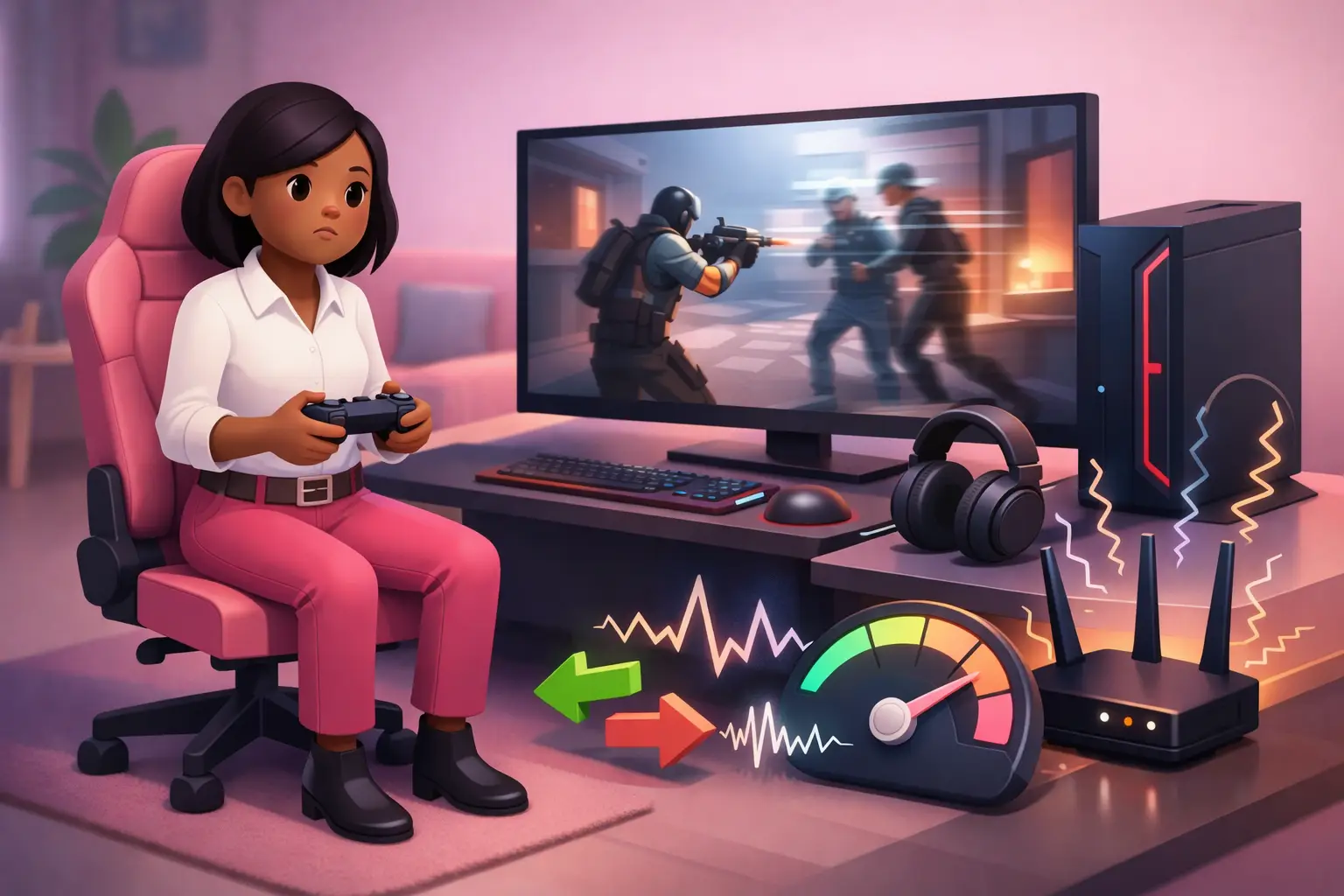
Why Your 900Mbps Broadband Still Lags in Competitive Gaming (It's the Jitter)
Quick answer: a 900Mbps connection can still lag in competitive gaming because speed and lag measure different things. Games use very little bandwidth, so extra speed does not help. Lag spikes come from jitter, the variation in how consistently your data arrives, which stays high on a fast line whenever bufferbloat or WiFi are involved.
You pay for 900Mbps, your speed test looks glorious, and yet you still get rubber-banding, missed shots and the maddening "I shot first but died" moments in ranked play. It is not a fault, and it is almost never your speed. Below is exactly why a fast pipe does not save you, what the research shows, and the fixes that genuinely lower your lag.
Key takeaways
- Speed measures capacity; jitter measures timing consistency. Only the second one decides how a competitive game feels.
- A fast line can still have high jitter, usually from bufferbloat (oversized buffers spiking latency under load) or WiFi.
- The fixes are wiring up, taming bufferbloat with QoS, and a stable full fibre line, not buying more megabits.
- Test with a loaded-latency (bufferbloat) test, not a plain speed test, which hides the problem entirely.
What is the difference between speed, latency and jitter?
These three get muddled constantly, and the confusion is exactly why people buy speed they do not need. Here is the honest breakdown:
| Metric | What it measures | How much it matters for gaming |
|---|---|---|
| Speed (bandwidth) | How much data your line carries per second | Barely, once you are past a basic connection |
| Latency (ping) | How long a packet takes to make the round trip | A lot; lower is better |
| Jitter | How much that latency varies from packet to packet | Critically; low and steady wins |
| Packet loss | Data that never arrives at all | A lot; it should be near zero |
The "900Mbps" on your bill is only the first row. A game sends tiny updates and uses very little bandwidth, often well under 1Mbps, so once you are past a basic connection, more megabits do nothing for how the game feels. Picture a ten-lane motorway with unpredictable traffic lights: the lanes are not the problem, the timing is.
What is jitter, exactly?
Jitter is the variation in the delay between your data packets. Low, steady latency feels smooth; latency that swings around causes lag spikes, even when your average ping looks fine.
In networking's own standards, jitter is defined more precisely as IP packet delay variation, the difference in one-way delay between packets in a stream (Demichelis & Chimento, 2002). For a competitive player, this is the number that matters most, because consistency beats raw speed every time: a rock-steady 40ms plays better than a connection that lurches between 20ms and 120ms. For the full rundown of the three metrics that decide game feel, see our guide to latency, jitter and packet loss.
Why can a fast connection still have high jitter?
Bufferbloat is excess delay caused by oversized network buffers that queue up packets when your connection is busy, sending latency soaring under load.
Jitter comes from how your packets are queued and handled along the way, not from how much bandwidth you bought. The most common cause on home connections is bufferbloat. The researchers who named the problem put it bluntly: adding bigger pipes cannot improve performance for users stuck behind bloated buffers, and a link only reveals this lag once it becomes saturated (Gettys & Nichols, 2011).
That is why your ping is pristine right up until the connection is put under load. A 900Mbps line with bufferbloat can jump from a comfortable 15ms to hundreds of milliseconds the instant something fills it: a game update downloading, a phone backing up to the cloud, or a housemate hitting "install" on a 90GB title. The pipe is wide, but the buffers are stacking your game packets behind everything else, and your jitter goes through the roof.
Why does jitter wreck competitive gaming in particular?
Online games run on a rapid tick system, exchanging frequent little updates and predicting player positions in between them. Modern netcode is genuinely good at hiding consistent latency, a steady delay can be compensated for. What it cannot hide is unpredictability: packets bunching up and then arriving in a gap. When timing is erratic, the game keeps having to correct itself, and you see it as rubber-banding, players warping round corners, shots that do not register and deaths that land a beat too late.
The research backs this up. Studies of online games show that player performance degrades as latency rises, and that the effect is worst for precision-based and deadline-based actions such as aiming, exactly the actions that decide competitive shooters (Claypool & Claypool, 2006). A 2021 study of experienced Counter-Strike players went further, finding measurable gains in accuracy and score from even small reductions in the delay between action and response (Liu et al., 2021). Jitter is what turns that delay unpredictable, so the game cannot compensate cleanly, and the faster and more precise the title, the more it hurts. There is more on this in our explainer on latency and ping for gaming.
How do you actually reduce jitter?
Notice that not one of these is "buy more Mbps":
- Wire up. A wired Ethernet connection to your console or PC removes WiFi's timing variability, the single biggest source of jitter in most homes. This alone fixes a great many cases.
- Tame bufferbloat. If your router supports Smart Queue Management (SQM) or a good Quality of Service (QoS) setting, switch it on. It keeps buffers under control so latency stays low even when the line is busy. Some routers and providers do this far better than others.
- Cut contention while you play. Avoid large downloads and uploads mid-match, or use QoS to give your game traffic priority over everything else on the network.
- Get a stable full fibre line. Full fibre (FTTP) typically delivers lower, steadier latency and near-zero packet loss compared with copper, so it is a stronger foundation. It does not on its own cure bufferbloat or weak WiFi, but it starts you in a far better place.
- If you must use WiFi, sit close to the router and use a Wi-Fi 6 or 6E router, which handles a busy, device-heavy home with less jitter.
How do you test for jitter and bufferbloat?
An ordinary speed test will not reveal this, and that is the trap. A standard test shows your bandwidth but runs too briefly to load the connection properly, so it misses bufferbloat entirely, which is precisely the failing the bufferbloat researchers identified in consumer testing (Gettys & Nichols, 2011). What you want is a test that measures latency under load, sometimes called a loaded-latency or bufferbloat test, which stresses the line while watching what happens to your ping. A healthy result is a low idle ping and, crucially, a ping that barely moves when the connection is busy. Run a check on our Pulse speed test to see your starting point, then watch it while a big download runs to see your jitter in action.
Frequently asked questions
Why is my internet laggy when I have fast broadband?
Because speed and lag are not the same thing. Your broadband speed measures how much data your line can carry, but lag in games comes from how quickly and consistently each packet arrives. The usual culprit is jitter, inconsistent packet timing, which stays high on a fast connection if you are on WiFi or your line suffers from bufferbloat.
Does more broadband speed reduce lag or jitter?
No. Speed measures how much data your line can carry, while lag and jitter are about how quickly and consistently each packet arrives. A game uses very little bandwidth, so upgrading from, say, 500Mbps to 900Mbps does nothing for jitter. Reducing jitter is a separate job, mostly done by wiring up and taming bufferbloat.
What is a good jitter figure for gaming?
As a rough guide, keep jitter under about 30ms, and the lower the better for fast competitive titles, where single-digit jitter is ideal. Consistency matters more than the exact number: a steady 40ms of latency plays better than a connection that swings between 20ms and 120ms.
What is bufferbloat and does it cause lag?
Bufferbloat is excess delay caused by oversized buffers in routers and modems that hoard packets when your connection is busy. Yes, it is a major cause of lag: when the line is loaded, those buffers queue your game packets and latency can jump from a few milliseconds to hundreds (Gettys & Nichols, 2011). A faster line does not fix it; queue management does.
Why does my ping spike when someone else in the house uses the internet?
This is usually bufferbloat. When a device saturates your connection, for example with a large download or cloud backup, oversized buffers in your router or modem queue the packets and add big, variable delay, so your ping and jitter shoot up (Gettys & Nichols, 2011). A faster line does not fix this; managing the buffers does.
Is a wired or WiFi connection better for jitter?
Wired, by a distance. WiFi introduces timing variability from interference, distance and congestion, all of which raise jitter. An Ethernet cable to your console or PC gives the steadiest connection, which is why serious competitive players wire up.
Can full fibre reduce jitter?
It helps. Full fibre (FTTP) typically delivers lower, steadier latency and near-zero packet loss compared with copper, so it is a better foundation for gaming. It does not, on its own, cure bufferbloat or WiFi problems, so pair it with a wired connection and good queue management.
How do I fix high jitter for gaming?
Start by connecting your console or PC with an Ethernet cable, which removes WiFi's timing variability. Then enable Smart Queue Management or QoS on your router to control bufferbloat, avoid large downloads while you play, and, if you can, move to a stable full fibre line. None of these involves buying more speed.
References
- Claypool, M., & Claypool, K. (2006). Latency and player actions in online games. Communications of the ACM, 49(11), 40–45. https://cacm.acm.org/research/latency-and-player-actions-in-online-games/
- Demichelis, C., & Chimento, P. (2002). IP packet delay variation metric for IP performance metrics (IPPM) (RFC 3393). Internet Engineering Task Force. https://www.rfc-editor.org/rfc/rfc3393.html
- Gettys, J., & Nichols, K. (2011). Bufferbloat: Dark buffers in the Internet. ACM Queue, 9(11), 40–54. https://doi.org/10.1145/2063166.2071893
- Liu, S., Claypool, M., Kuwahara, A., Sherman, J., & Scovell, J. J. (2021). Lower is better? The effects of local latencies on competitive first-person shooter game players. In Proceedings of the 2021 CHI Conference on Human Factors in Computing Systems. Association for Computing Machinery. https://doi.org/10.1145/3411764.3445245