By Dr Alex J Martin-Smith, Strategic Lead
Direct answer: Smart home devices can slow down WiFi in a UK home, but usually because they compete for wireless airtime or expose weak router coverage, not because they use huge amounts of broadband. A few well placed changes often help. If every device struggles, check whether your broadband speed and connection type still suit your household.
- A large number of connected devices can make WiFi feel less responsive, particularly on older routers.
- Cameras and similar devices can use more capacity than sensors, plugs or lights.
- Poor router position and interference are often the real cause of slow WiFi.
- Full fibre, cable, FTTC, 4G and 5G availability depends on your exact address, so compare connections rather than relying on a neighbour’s result.
Do smart home devices slow down WiFi in the UK?
Yes, they can affect WiFi performance, but the effect depends far more on device type, router quality and signal coverage than on the number of devices alone. Smart bulbs, plugs, heating controls and sensors usually send small, occasional updates. Adding several of these should not, by itself, make a healthy home network unusable.
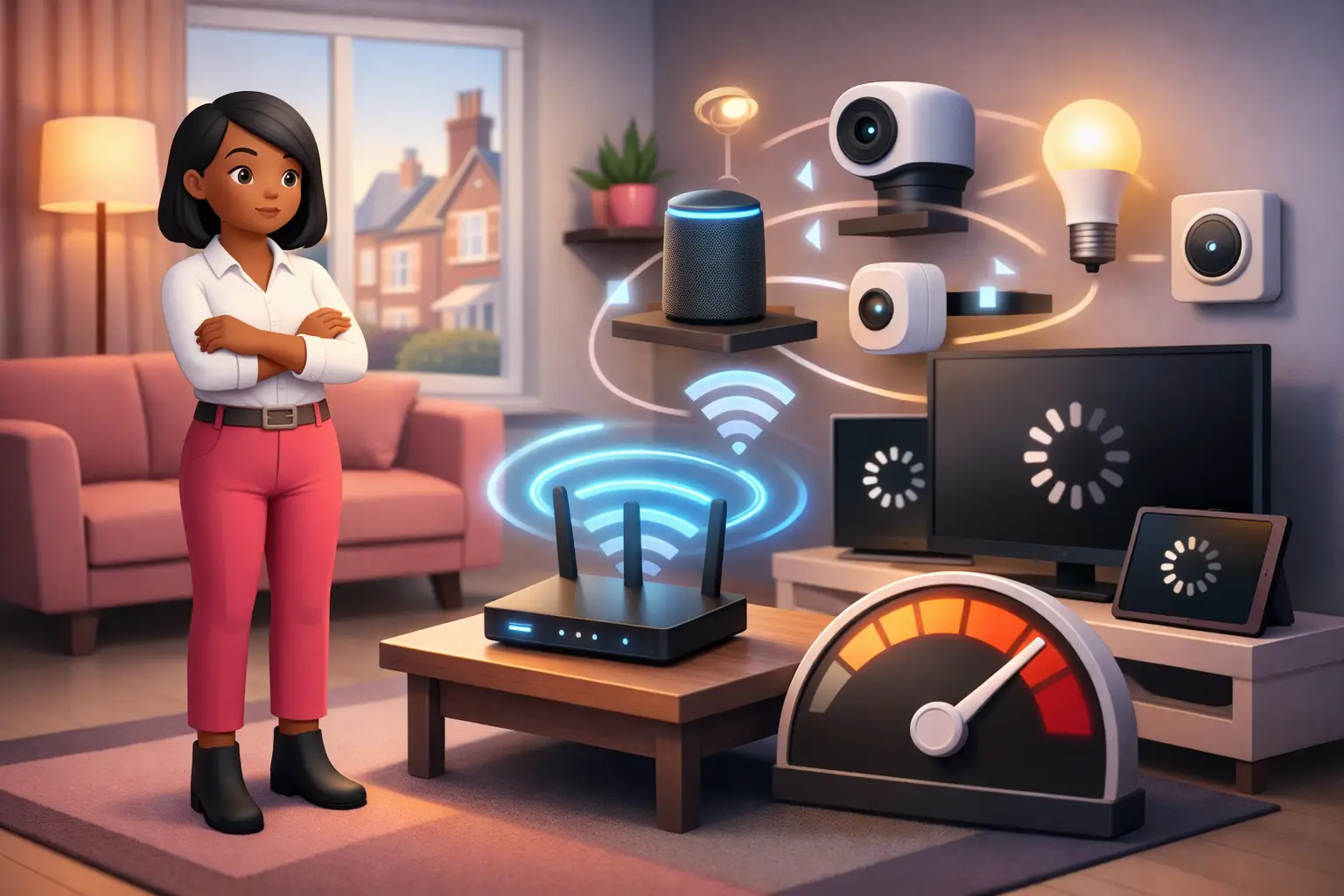
The bigger pressure can come from devices that constantly send or receive data, including security cameras, video doorbells and connected speakers. They share the same wireless environment as laptops and work calls. If the router is older, positioned badly or serving a large property through thick walls, each extra connection can make delays more noticeable.
The key distinction is between WiFi inside the home and the broadband line entering it. A faster broadband package cannot correct a weak WiFi signal in a back bedroom. Equally, a new router cannot compensate for a broadband connection that is consistently too slow for the household’s overall use. Test both before deciding that a switch is necessary.
Why does WiFi slow down when more devices connect?
WiFi slows because connected devices share limited wireless airtime, and distance or interference makes that sharing less efficient. Your router must communicate with devices in turn. A device with a weak signal may take longer to send even a small amount of information, leaving less time for other devices.
This is why a smart device near the router is rarely a concern, whilst one at the edge of coverage can cause frustration. Walls, floors, large appliances and neighbouring WiFi networks can all reduce signal quality. The problem can be especially visible in flats and terraced homes where more wireless networks operate nearby.
A device may also remain connected even when you are not actively using it. That does not mean it is consuming large amounts of broadband, but it still forms part of the router’s workload. Modern routers are generally better at handling many simultaneous connections than older equipment. If slowdowns started after adding devices, first compare performance close to the router with performance in the affected room.
Which smart home devices use the most WiFi?
Devices that send video or audio continuously are usually more demanding than simple controls and sensors. A connected camera can place regular demand on your local WiFi and broadband connection, particularly when it uploads footage for remote viewing. A video doorbell can have a similar effect during live viewing or frequent alerts.
By contrast, a smart plug normally sends brief status updates and receives simple commands. Smart lighting and heating controls are also usually light users of broadband capacity. Their greater impact may be on a crowded wireless network if they are far from the router or all rely on the same wireless band.
| Device type | Typical WiFi demand | Most likely issue | Practical priority |
|---|---|---|---|
| Smart plugs, lights and sensors | Low | Weak signal at the device location | Check coverage before changing broadband |
| Heating controls and speakers | Low to moderate | Competition with other active devices | Review router placement and settings |
| Cameras and video doorbells | Moderate to high | Regular uploads and weak WiFi coverage | Prioritise reliable signal and broadband capacity |
How can I tell whether it is WiFi or my broadband connection?
Test a device close to the router first, then repeat the test where you normally notice the problem. If performance is good nearby but poor in another room, the broadband line is less likely to be the cause. Router location, walls and wireless interference are the more useful areas to investigate.
If performance remains poor beside the router across more than one device, check the speed delivered to the router and compare it with the speed you need at busy times. Consider what happens at the same time in your household: work calls, cloud backups, gaming, smart camera uploads and several people online can all overlap.
A wired test, where practical, is another useful comparison because it avoids WiFi altogether. Good wired performance alongside poor wireless performance points towards an in home WiFi issue. Poor results on both may indicate that the broadband service, connection technology or home setup needs closer review. Keep a short record of the time, room and affected devices before contacting a provider.
How do I stop smart devices slowing down my WiFi?
Start with router placement and device organisation before paying for a faster service. Put the router in an open, central position where possible, rather than inside a cupboard, behind a television or on the floor. Avoid placing it beside equipment that may create interference.
Next, check that smart devices with the weakest signal are not placed at the farthest point from the router. Moving a hub, camera or doorbell receiver can sometimes make more difference than changing broadband. Restarting the router may help with a temporary fault, but repeated problems call for a more permanent check of coverage and equipment.
If your router offers separate wireless bands, use the option recommended by its provider instructions. Do not change technical settings at random, as this can disconnect devices or reduce coverage. For larger homes, a compatible WiFi extension solution may be appropriate, but assess the total cost and whether it solves a coverage problem rather than masking an underpowered broadband connection.
Do I need faster broadband for a smart home?
You may need more broadband capacity if demanding devices are active at the same time, but faster broadband is not automatically the answer to poor WiFi. A household with several cameras, remote workers and regular large uploads has different needs from one using lights, plugs and a thermostat. Focus on what happens during your busiest period rather than on the total number of connected devices.
Connection type matters as well as advertised speed. Full fibre brings fibre directly to the property, whilst FTTC uses fibre for part of the route and a copper line for the final section. Cable, altnets, 4G and 5G home broadband can also be available at some addresses. Actual options, installation requirements and expected speeds are postcode and address specific.
Compare the full monthly and contract cost, including any setup charges and the contract length. Prices and available speeds are current month, postcode variable and subject to availability. From 17 January 2025, new UK broadband contracts must state any mid contract price rises in pounds and pence at the point of sale, rather than using inflation linked formulas (Ofcom, 2024).
Should I switch broadband if smart devices keep disconnecting?
Switch if testing shows that your underlying broadband connection is the constraint, but resolve local WiFi coverage first if the fault is room specific. A switch can be sensible for households whose needs have changed, those approaching the end of a contract or people moving to an address with better full fibre availability. It is less likely to fix a camera that cannot hold a signal in a distant corner of the house.
Check the provider’s installation process before ordering, particularly if your chosen connection requires new equipment or an engineer visit. Installation timing varies by address and network, so a confirmed date is more useful than a general estimate. Ask about setup charges, equipment return terms and the total price across the minimum term.
For most residential switches, One Touch Switch means you contact only the new provider, which manages the switch process (TOTSCo, 2024). The service went live on 12 September 2024 (TOTSCo, 2024). This can reduce administration, although you should still check the new provider’s order details carefully before agreeing.
FAQs
Can smart plugs slow down my WiFi?
Smart plugs can add to the number of devices connected to a router, but each normally uses little data. If a few plugs coincide with slow WiFi, weak coverage, an older router or a separate high demand device is more likely to be responsible. Test performance near the router before changing broadband.
Do smart cameras need fast broadband?
Smart cameras can need more consistent capacity than lights or sensors because they may upload footage and support remote viewing. The right broadband service depends on how many cameras are active, whether uploads happen at busy times and the quality of WiFi where each camera is installed.
Will full fibre fix poor WiFi upstairs?
Full fibre may improve the broadband connection arriving at your home, but it does not automatically improve WiFi through walls and floors. If the signal is weak upstairs whilst it is good near the router, improve router placement or home WiFi coverage first.
Can I switch broadband while my smart home devices are connected?
Yes, but your devices may need reconnecting after the new router is installed because the WiFi network name or password can change. Keep essential device instructions available before the switchover. One Touch Switch normally means the new provider coordinates the residential switching process (TOTSCo, 2024).
How do I compare broadband for a smart home?
Compare by postcode and exact address, then assess available connection types, expected speeds, total contract cost, setup charges, contract length and installation requirements. Choose capacity for your busiest household use, not merely the number of smart devices connected to WiFi.
Enter your postcode on the BroadbandSwitch.uk comparison page to see the broadband options available at your address and check the terms before you switch. A clear view of connection type, total cost and installation requirements is the best starting point for a home that stays connected.