By Dr Alex J Martin-Smith, Strategic Lead
Direct answer: For most UK homes, Cat6 is the sensible Ethernet cable choice, whilst Cat6a is worth paying for where cables will be installed in walls or used for a full fibre home office. Cat5e still suits modest wired needs. Cat7 rarely offers a useful benefit in a typical household.
- Cat5e is usually sufficient for a single 1 Gbit/s wired connection.
- Cat6 is the practical default for new, short home cable runs.
- Cat6a is the better long term choice for permanent cabling and 10 Gbit/s capability.
- Cable category does not raise the speed of your broadband package or fix weak Wi-Fi coverage.
What do Ethernet cable categories mean?
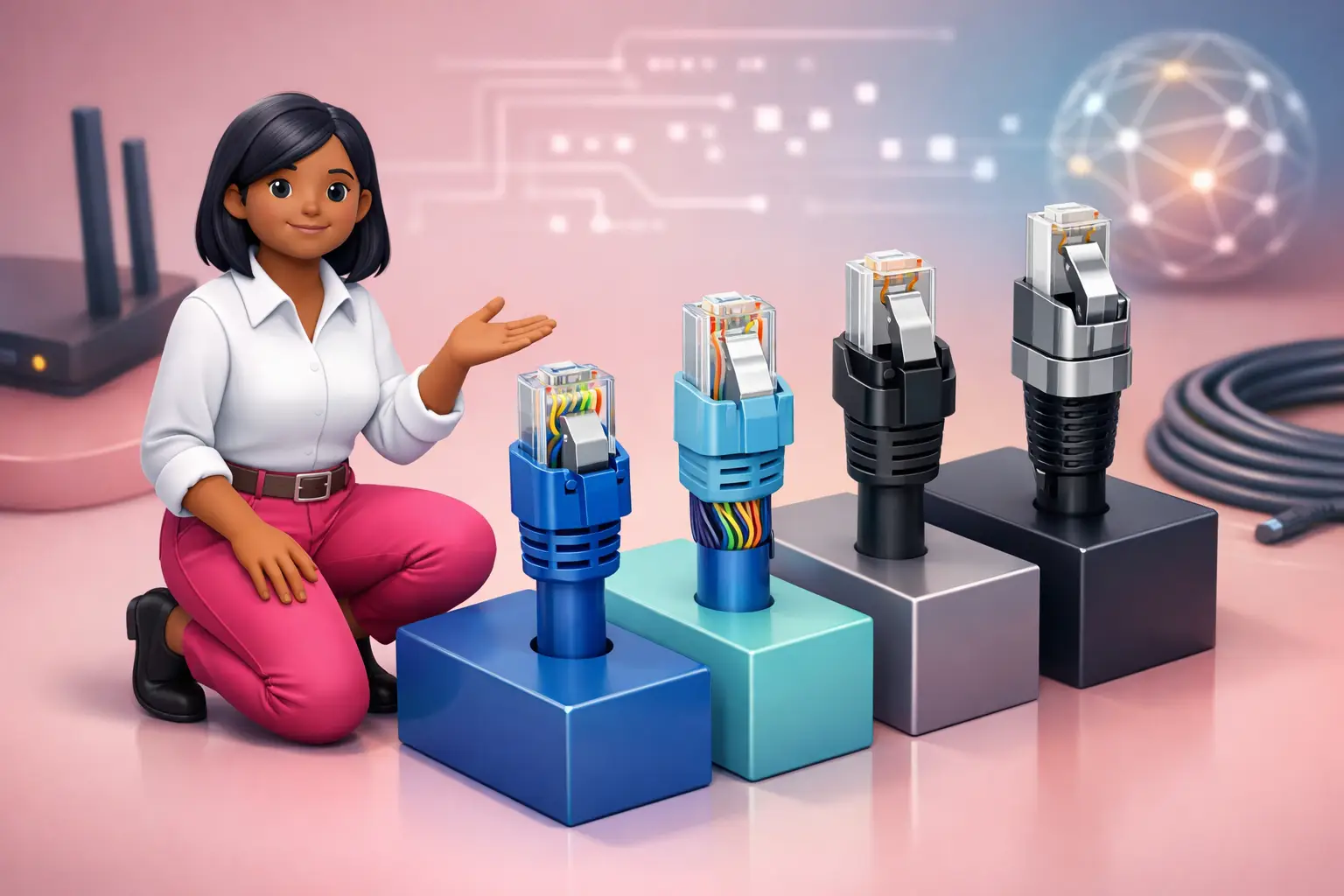
Ethernet cable categories explained, Cat5e, Cat6, Cat6a and Cat7, is mainly a question of how much data a cable can carry reliably over a given distance. The category describes the cable’s electrical performance, including its ability to limit interference between the twisted pairs inside it. It does not describe your broadband technology, provider or the speed available at your address.
A cable can only carry the speed supported by every part of the connection. That includes the Ethernet ports on your router, a network switch, a computer or access point, and the cable itself. A Cat6 cable connected to 1 Gbit/s ports remains a 1 Gbit/s connection. Equally, replacing a short Cat5e lead will not make an FTTC line perform like full fibre.
For a household, Ethernet is most valuable where Wi-Fi conditions are difficult: a home office at the far end of the property, a fixed wireless access point, or equipment that needs a consistently wired connection. Start by identifying the route, the distance and the ports you have, rather than choosing the highest category on the label.
Which cable should I choose for a UK home?
Choose Cat6 for an ordinary new cable run, or Cat6a if it will be fitted permanently through walls, floors or a loft. Cat5e remains a reasonable choice for an existing short lead serving 1 Gbit/s equipment, especially where replacement would be inconvenient. Cat7 is normally unnecessary for domestic broadband use.
| Category | Typical practical role | 10 Gbit/s suitability | Recommendation |
|---|---|---|---|
| Cat5e | Existing basic wired connections | Not the usual choice for 10 Gbit/s | Keep it if it meets your needs |
| Cat6 | New short runs around a home | Suitable over shorter runs | Best default for most homes |
| Cat6a | Permanent or longer cable runs | Designed for 10 Gbit/s to 100 metres | Best for future minded installation |
| Cat7 | Specialist installations | Capability depends on the full system | Usually avoid for household purchases |
The extra cost of Cat6a can be justified when labour is the expensive part. If a cable is being installed behind plasterboard or under flooring, replacing it later can be disruptive. For a loose lead from a router to a desk, Cat6 is generally easier to handle and more proportionate.
Is Cat5e good enough for full fibre broadband?
Cat5e can be good enough for many full fibre connections because a cable does not need to match a headline package speed exactly to be useful. Where the router and connected device have 1 Gbit/s Ethernet ports, Cat5e is commonly capable of supporting that link over a standard home length, provided the cable is sound and correctly terminated.
The limitation is flexibility. If you later add equipment with faster Ethernet ports, or run a cable across a large property, Cat5e gives you less headroom than Cat6 or Cat6a. It is also easy to confuse the category printed on a cable with the quality of the finished installation. A damaged lead, a sharply bent cable or a poorly fitted wall socket can cause problems regardless of category.
Do not replace Cat5e simply because you have moved to FTTP. First test a wired device directly from the router and check the connection speed reported by its Ethernet port. If that result meets your practical needs, money may be better spent on improving Wi-Fi placement or adding a wired access point.
Is Cat6 better than Cat6a?
Cat6 is better for convenience and value in most rooms, whilst Cat6a is better where 10 Gbit/s performance over longer cable runs matters. Neither choice automatically improves the broadband speed delivered to your property. The right answer depends on whether you are buying a replaceable patch lead or installing cable that should remain useful for years.
Cat6 is usually slimmer and more flexible, which makes it easier to route neatly behind furniture or through simple trunking. It is a strong fit for a router to desktop connection, or for linking a router to a nearby Ethernet switch. Cat6a is thicker and can be less forgiving around tight corners, but it is designed to support 10 Gbit/s Ethernet across runs of up to 100 metres.
For a home office, choose Cat6a if you are arranging permanent cabling between floors, particularly if the route is long. For a short cable beside the router, Cat6 is the clear recommendation. Buying Cat6a everywhere is not wrong, but it may add bulk and cost without a visible benefit.
Do I need shielded Ethernet cable?
Most homes do not need shielded Ethernet cable. Ordinary unshielded twisted pair cable is normally the simpler choice for a short, indoor run away from substantial electrical interference. Shielding can help in particular environments, but it must be installed correctly to deliver its intended benefit.
Shielded cable is more relevant where Ethernet must pass close to sources of electrical noise for a significant distance, such as certain machinery or extensive electrical cabling. In a typical house or flat, choosing a reputable, correctly labelled Cat6 or Cat6a cable and avoiding obvious damage matters more than paying for shielding.
There is a practical downside. Shielded cable is often thicker, stiffer and harder to terminate. Mixing shielded cable with unsuitable connectors or wall sockets can create confusion rather than a better network. If you are commissioning permanent cabling, ask the installer to specify the complete system, including sockets and patch leads, rather than selecting cable by category alone.
Can a better Ethernet cable fix slow broadband or Wi-Fi?
A better Ethernet cable fixes a fault only if the existing cable is the bottleneck or is damaged. It cannot improve the speed available on your broadband line, remove provider network congestion or extend Wi-Fi coverage through thick walls. This distinction prevents many unnecessary purchases.
Use a direct wired test to separate a broadband problem from a Wi-Fi problem. Connect a suitable device to the router with a known good cable, then compare that result with the same device on Wi-Fi in the room where you normally work. A large difference points towards local wireless coverage, placement or interference rather than the incoming connection.
For homes on FTTC, line conditions can affect the connection coming into the property. For full fibre, cable and some 4G or 5G home broadband services, the local network setup and equipment still influence the experience inside the home. A wired access point can be a more effective solution than replacing every cable with a higher category.
What should I check before buying Ethernet cable?
Check the cable length, the connector type, the category marking and whether your devices can use faster Ethernet before ordering. Most household equipment uses the familiar RJ45 connector, but a cable advertised as Cat7 can still be a poor choice if its connectors or construction do not suit your existing equipment.
Avoid very thin, flat or poorly described cables for long permanent routes. They can be useful for carefully managed short runs, but conventional round cable is generally easier to assess and more suitable where reliability matters. Measure the route rather than estimating it, then allow sensible slack without coiling large lengths tightly around power equipment.
Also consider the total connection, not just the lead. Check whether your router has enough Ethernet ports, whether you need a switch, and whether the device at the other end has a 1 Gbit/s, 2.5 Gbit/s or faster port. These details determine whether a higher category cable will make any practical difference.
How do cable choices affect switching and moving home?
Your Ethernet cables stay with your home network, so changing broadband provider does not normally require replacing them. The key question is whether the service available at your new or current address uses equipment with the Ethernet ports and Wi-Fi capability you need. Check availability by exact address before committing to a contract.
For a straightforward switch, One Touch Switch means the customer contacts only the new provider. The process went live on 12 September 2024 and is run by TOTSCo (TOTSCo, 2024). A house move can be different because installation timing, property access and the network available at the new address may all affect when service can start.
Read the total contract terms alongside any technical choice. From 17 January 2025, new contracts cannot use inflation linked mid contract rises. Any planned rises must be shown in pounds and pence at the point of sale (Ofcom, 2024). That clarity helps you compare the full cost whilst choosing the connection and home setup that fit your needs.
What are the common Ethernet cable questions?
Is Cat7 faster than Cat6a?
Not necessarily in a household setup. The speed you see depends on the Ethernet ports, cable length, connectors and all connected equipment. Cat6a is the more straightforward choice for a 10 Gbit/s capable home installation using familiar RJ45 connections. Cat7 often adds cost and compatibility questions without improving an ordinary broadband connection.
Should I buy Cat6 or Cat6a for a home office?
Buy Cat6 for a short, accessible lead between a router, switch and desk. Buy Cat6a if the cable will be installed permanently, runs a long distance, or you want the option of 10 Gbit/s Ethernet over a full standard length. Check your router and computer ports before paying extra for capability they cannot use.
Will Cat6 make my Wi-Fi faster?
No. Cat6 can provide a reliable wired connection to a device or access point, but it does not alter Wi-Fi radio performance on its own. If Wi-Fi is weak in one room, a wired access point connected with Cat6 or Cat6a may help more than changing the cable between the router and a nearby device.
Is it worth replacing working Cat5e cable?
Usually not if it delivers the wired speed you need and is in good condition. Replace it when it is damaged, too short, part of a permanent upgrade, or limiting equipment you already own. For new cabling, Cat6 is a sensible starting point because the additional flexibility is useful without making a domestic installation unnecessarily complicated.
Does Ethernet cable affect broadband installation?
It affects the network inside your property, not the availability of FTTP, FTTC, cable, 4G or 5G home broadband at your address. Installation timing depends on the service, property and required work. Plan where the router will sit and where you need wired connections before an installation appointment, especially for a home office.
Before buying cable or switching, enter your postcode on the BroadbandSwitch.uk comparison page to check the broadband options available at your exact address and compare contract terms transparently. A suitable connection and a well planned wired setup will usually deliver more value than choosing the highest cable category by default.