By Dr Alex J. Martin-Smith, Head of Editorial
Short answer: The difference between a modem, a router and an ONT is where each sits in your connection. A modem translates a cable or phone-line service, an ONT terminates a full-fibre line, and a router shares that connection around your home through Wi-Fi and network ports.
See my broadband deals Postcode only. No signup. About 30 seconds.
- A router creates your home network and usually provides Wi-Fi.
- A modem is mainly associated with older copper-based or cable broadband connections.
- An ONT is the small box that connects a full-fibre line to your router.
- You may have separate boxes, or one router that includes a modem.
- The equipment you need depends on the broadband network at your address, not simply the provider you choose.
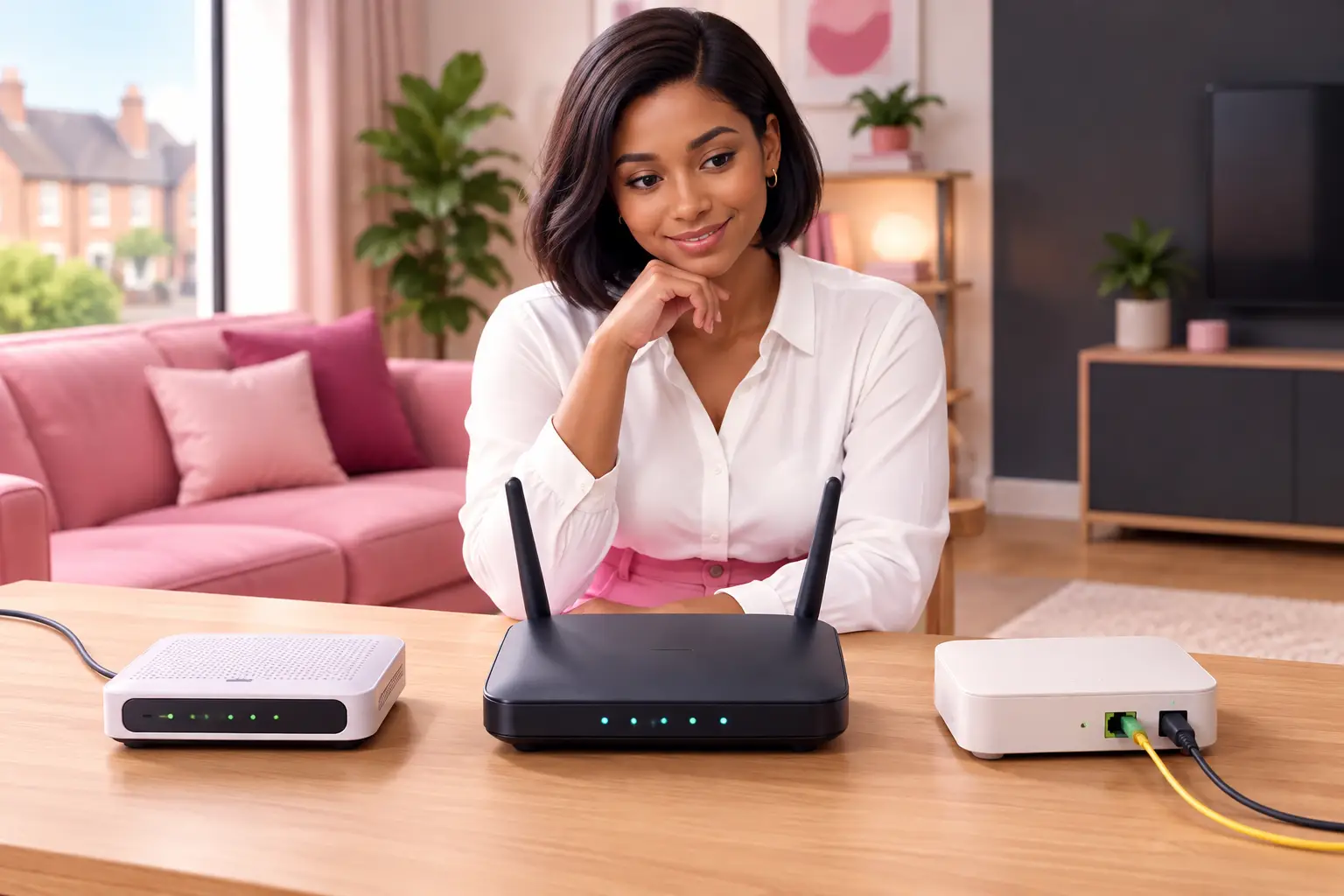
Picture a renter moving into a flat with a small white box already fixed near the front door. Their old broadband hub will not immediately get them online, because the box is an ONT and the new service needs to be activated over that fibre connection. Knowing which box does what helps you ask the right question before moving day, avoid unplugging the wrong cable, and understand whether an installation visit may be needed.
What is the difference between a modem, a router and an ONT?
A modem or ONT brings the broadband service into your home; a router distributes it to your devices.
Think of the incoming connection and your home network as two separate jobs. The incoming connection may arrive through a telephone line, a coaxial cable, or a fibre cable. A modem or ONT handles that handover. Your router then creates the local network that lets laptops, work devices and other connected equipment use the connection.
The terms can be confusing because some broadband hubs combine more than one job in one unit. A single box can contain a router and a modem, while full-fibre homes commonly have an ONT on the wall plus a separate router. The number of visible boxes does not tell you whether the service is good or bad. It simply reflects the network technology serving the property.
What does a modem do?
A modem converts the signal used by certain broadband lines into a connection your router can use.
The word modem comes from modulation and demodulation. For a household, the useful point is simpler: it is the piece of equipment that understands the signal arriving over the access line. On some older copper-based services, the modem may be built into the broadband hub. On cable networks, the provider's hub may also include the modem function.
You will not usually need to buy a separate modem without checking the service type first. Using incompatible equipment can leave you without a working connection, even if the router itself is in good order. If you are replacing equipment, confirm whether your existing service uses a built-in modem, a separate modem, or fibre equipment with an ONT.
What is an ONT on full fibre broadband?
An ONT, short for Optical Network Terminal, is the point where a fibre line ends inside your property.
On a fibre-to-the-premises connection, often called FTTP or full fibre, a thin fibre cable enters the home and connects to the ONT. The ONT changes the light signal carried by fibre into an Ethernet connection. Your router then plugs into that Ethernet port, usually with a standard network cable.
The ONT normally stays with the property. Do not remove it when you move out unless you have been specifically instructed to do so. It is part of the installed connection, rather than a general-purpose Wi-Fi device. If the ONT has no power or its status lights show a fault, restarting the router alone may not solve the problem.
Full fibre availability is increasingly common, but it is still address-specific. Ofcom reported that 82% of UK homes could access full fibre on 13 May 2026 (Ofcom, 2026, Connected Nations Update). A postcode and address check remains the reliable way to see which network is available to you.
Does a router give you broadband and Wi-Fi?
A router gives your devices a route to the broadband connection and usually provides Wi-Fi, but it does not replace the incoming service.
Your mobile phone, computer and printer connect to the router, either wirelessly or by Ethernet cable. The router directs traffic between those devices and the internet connection supplied by the modem or ONT. Its position in the home can therefore affect Wi-Fi coverage, even where the broadband line itself is working properly.
A weak Wi-Fi signal is not automatically a slow broadband line. Thick walls, distance from the router and a crowded household network can all affect wireless performance. For a home worker with an important call, testing with an Ethernet cable can help separate a Wi-Fi issue from a line issue. Before changing package, it is worth checking which problem you actually have.
Which equipment will be in my home?
Your address and network type determine the equipment, so do not assume a neighbour's setup will match yours.
| Connection entering the home | Equipment at the handover point | What the router does next |
|---|---|---|
| Full-fibre cable | Usually an ONT | Connects by Ethernet and provides the home network |
| Copper phone line | A modem, often inside the broadband hub | Shares the connection through Wi-Fi and Ethernet ports |
| Cable connection | A modem function, often within the supplied hub | Creates the local wired and wireless network |
| 4G or 5G home broadband | A router that receives the mobile network signal | Shares that signal around the property |
A property can have an old socket, a fibre ONT and unused wiring from a previous resident. Only the connection available for the service you order matters. If you are moving, keep a note of any installed ONT and where it is located. That makes it easier to discuss setup with your chosen provider and reduces surprises on installation day.
Do I need to replace my router when I switch?
Usually, use the equipment supplied or approved for your new connection unless you know your own router is compatible.
A router that worked on one service may not work on another without different settings, a modem, or an ONT. Full fibre is a common example: the router connects to the ONT rather than directly to a telephone socket. If Wi-Fi coverage is your main concern, focus on router placement and the size and layout of your home as well as the broadband technology.
For an eligible residential switch, One Touch Switch means you contact the new provider rather than arranging the switch with the old one yourself. The process went live on 12 September 2024 and is run by TOTSCo (TOTSCo, 2024). Not every move or technology change follows the same path, so check whether an installation appointment is required before you place an order.
What should I do next?
- Look at the box connected to your broadband cable. An ONT is usually wall-mounted and has a fibre cable entering it, while a router is usually the box broadcasting Wi-Fi.
- Decide what you need to improve: the incoming connection, Wi-Fi coverage, contract terms, or a combination of these.
- Check your postcode and full address before choosing a deal. Availability, installation requirements and connection type can vary between nearby properties.
Frequently asked questions
Is an ONT the same as a modem?
No. Both are handover devices between the external network and your home equipment, but they work with different connection types. A modem is generally used for copper-based or cable services, while an ONT is used for a fibre line that reaches the property. Your router connects onward from either device.
Can I connect devices directly to an ONT?
Usually, the ONT should connect to the router first. The router manages your home network and provides Wi-Fi for your devices. Connecting a computer directly may be useful only for specific troubleshooting and can bypass the network setup your household normally relies on.
Why does my full-fibre home have two boxes?
One box is often the ONT, which terminates the fibre connection, and the other is the router, which provides Wi-Fi and Ethernet ports. Keeping those functions separate is normal on full fibre. Check power supplies and cables for both boxes if the connection stops working.
Will a new router make my broadband faster?
It depends on the cause of the problem. A better-positioned or more capable router may improve Wi-Fi coverage inside the home, but it cannot increase the speed delivered by the line itself. Test near the router or through Ethernet before deciding whether the issue is Wi-Fi or broadband.
Should I take an ONT with me when I move?
Normally, no. The ONT is installed for that property and should remain there. Take any portable router or other equipment you own, subject to your provider's return instructions. Before moving, check what connection is available at the new address and whether a visit is needed.
See my broadband deals Postcode only. No signup. About 30 seconds.
The right next step is not choosing the box with the most lights. It is checking the connection at your address, then choosing terms and equipment that suit how your household actually uses broadband.