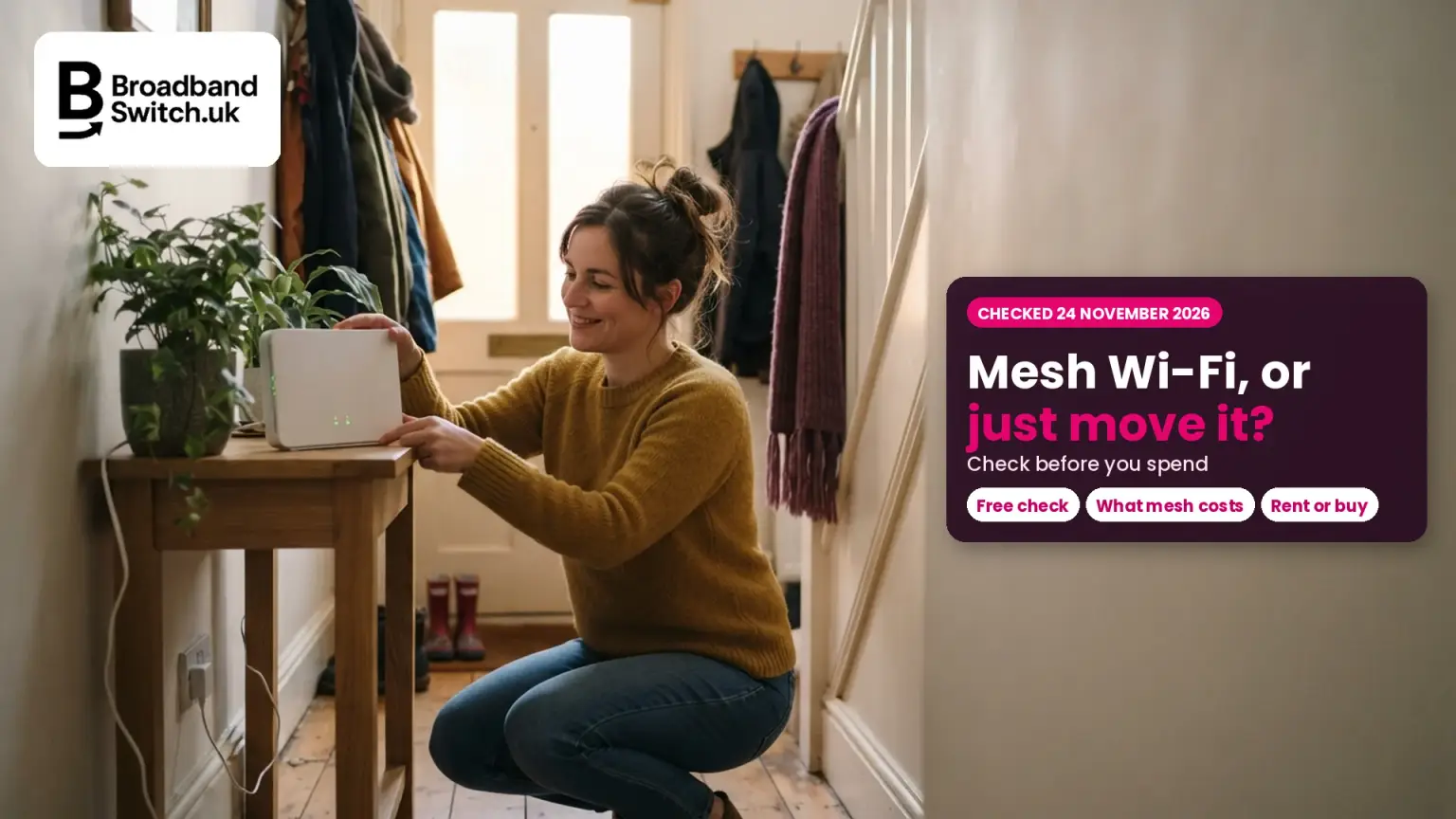
Short answer: Do I need mesh Wi-Fi, or is my router in the wrong place? Start by moving your router into an open, central position and test again. Mesh is worthwhile only if coverage still fails in rooms you use most every day.
See my broadband deals. Postcode only. No signup. About 30 seconds.
- A weak Wi-Fi signal is not always a slow broadband connection.
- Router placement is the cheapest fix and should come first.
- Mesh Wi-Fi uses several linked units to extend coverage around a home.
- A poor wired connection points to a broadband issue, not a Wi-Fi placement issue.
A family of five may find the kitchen connection works well while a home office at the other end of the house drops out. Before buying mesh equipment, move the existing router away from a cupboard, floor level, or behind the television. A better position may solve the problem without adding anything new.
Is my router in the wrong place?
Probably, if the problem is limited to one or two distant rooms. Your router sends Wi-Fi radio signal through the home, and walls, floors, large appliances and enclosed furniture can weaken it. Put it in an open area, ideally near the practical centre of the rooms where you need a connection.
Keep the router on a shelf or table rather than the floor. Avoid placing it inside a cabinet, beside bulky metal objects, or behind a television. If the main phone or broadband socket fixes its location, you may have less freedom to move it. Test the signal around your home after each change rather than guessing from one room.
Do I need mesh Wi-Fi after moving my router?
Choose mesh when one well placed router still cannot cover the parts of your home that matter. A mesh system has a main unit and additional units that work together to extend Wi-Fi coverage. It can suit larger homes, properties with thick internal walls, or layouts where the router must stay at one end.
Mesh is not automatically better for everyone. It adds cost, needs sensible unit placement, and cannot repair a slow connection arriving at the property. For a small flat with one weak spot, relocating the router may be enough. For several dead zones across more than one floor, mesh is usually the more practical answer.
| Option | Best for | What to check first |
|---|---|---|
| Move the router | One or two weak areas | Open position, off the floor, away from obstructions |
| Mesh Wi-Fi | Several rooms or floors with weak coverage | Whether units can be spaced through the home |
| Additional Wi-Fi access point | A fixed room with a suitable wired connection | Whether a cable can reach the required room |
| New broadband service | Poor connection even when tested by cable | What is available at your address |
How can I tell Wi-Fi from a broadband problem?
Test close to the router first, then compare it with the problem room. If the connection is reliable near the router but poor in a bedroom or office, Wi-Fi coverage is the likely issue. If it is poor everywhere, including on a device connected directly by cable where possible, investigate the broadband connection instead.
This distinction matters before you switch. Mesh improves coverage inside your home, while a new broadband connection may address limitations with the service reaching your property. Full fibre availability varies by address, even within the same street. Ofcom reported that 82% of UK homes could access full fibre on 13 May 2026 (Ofcom, 2026, Connected Nations Update).
Could a new broadband connection solve it?
Yes, but only if your tests suggest the incoming connection is the problem. If your home working calls fail everywhere, or wired testing is also unreliable, compare the broadband options available at your address before spending on Wi-Fi equipment. Consider contract length, installation needs and the total monthly cost, not only the headline speed.
If you are out of contract or moving, this is a useful moment to check what has changed locally. Where you switch on a like for like residential basis, One Touch Switch means you contact the new provider, which handles the process with the old provider (TOTSCo, 12 September 2024).
What should I do next?
- Move your router into the most open, central practical position and retest the rooms you use.
- If several areas remain weak, consider mesh Wi-Fi and place its units between the router and the dead zones.
- If the connection is poor throughout the home, run a postcode check to see the broadband choices at your address.
Frequently asked questions
Will mesh Wi-Fi make my broadband faster?
Mesh can improve Wi-Fi coverage where your existing signal is weak. It does not increase the speed of the broadband connection entering your home. If the connection is slow beside the router as well as elsewhere, check the service rather than relying on mesh to fix it.
Is a Wi-Fi extender the same as mesh?
No. A mesh system uses linked units designed to work as one home Wi-Fi network. An extender is a different approach for reaching a weak area. The right choice depends on your layout, how many rooms are affected and whether the router can be repositioned first.
Where is the best place for a router?
An open, raised position near the practical centre of the home is usually a sensible starting point. Keep it clear of cabinets and large obstructions. The best location is the one that provides a reliable signal where you actually work, study and use the internet.
Should I buy mesh before changing broadband?
Not necessarily. First work out whether the issue is Wi-Fi coverage or the broadband connection itself. If the signal is strong near the router but weak elsewhere, mesh may help. If performance is poor everywhere, check the options available at your address first.
See my broadband deals. Postcode only. No signup. About 30 seconds.