By Adrian James, Broadband Editor
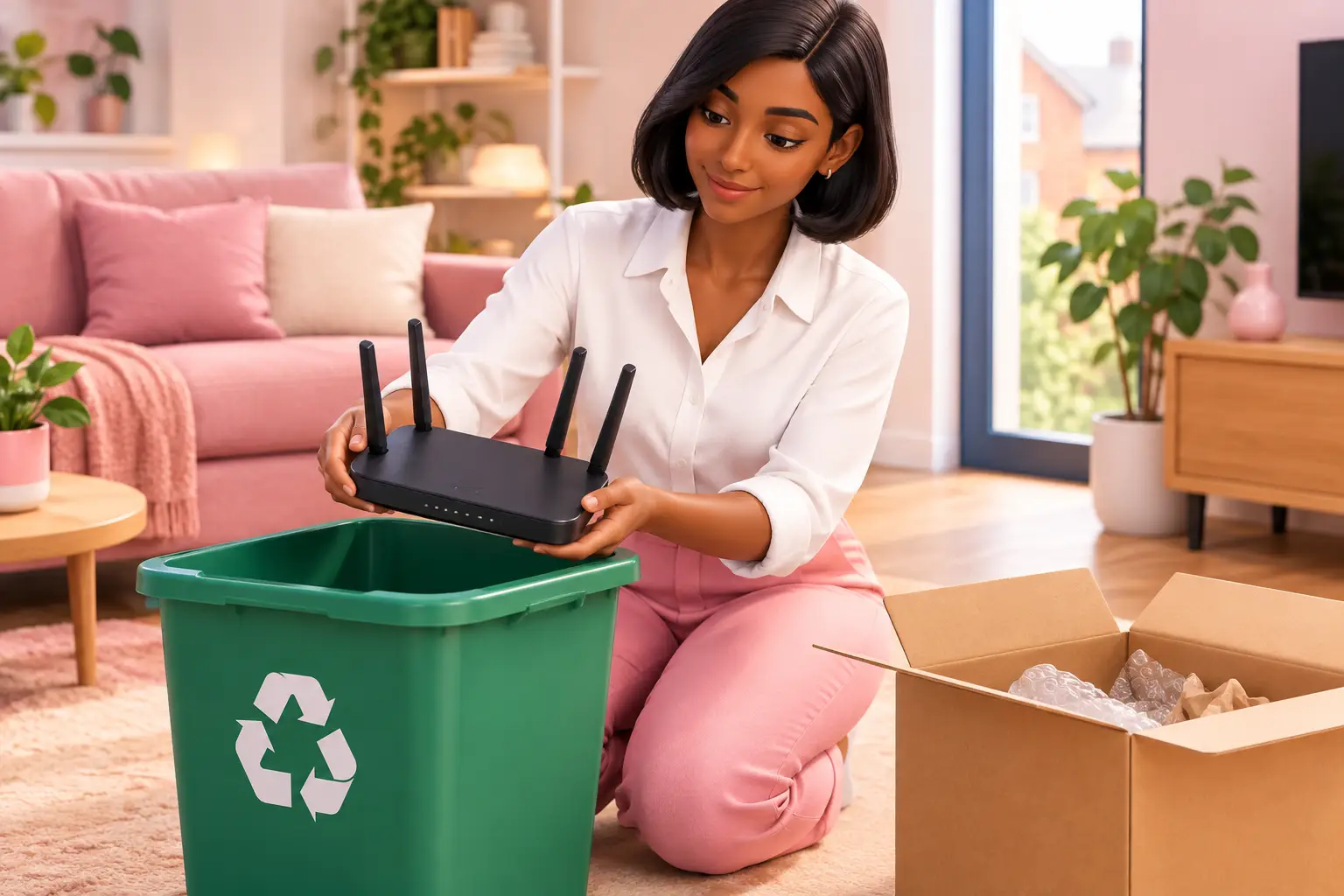
Short answer: To recycle or return an old router, first check whether it belongs to your broadband provider. If it does, follow its return instructions. If you own it, factory reset it, remove any labels with personal details, then take it to a suitable electrical recycling point rather than putting it in household rubbish.
See my broadband deals Postcode only. No signup. About 30 seconds.
- A router supplied with your broadband service may need to be returned when your contract ends.
- A factory reset removes your saved Wi-Fi name, password and other settings from the router.
- Keep proof of posting or a receipt if you return equipment.
- Do not put a router in your general waste or recycling bin.
A home worker changing broadband might have two routers on the kitchen table: the old one from their previous service and a newer model ready for installation. The tempting option is to box up both and deal with them later. A better approach is to identify which one is loaned, reset any device you own, and keep a clear record of anything sent back. That reduces the risk of an unexpected equipment charge or leaving your home network details on a device you no longer control.
Can I recycle or return an old router?
Answer: return it if it is loaned equipment; recycle it if you own it and no longer need it.
Start by checking your welcome email, contract documents or online account. Some broadband equipment is provided on loan, which means it remains the provider's property even after you stop using the service. Your provider should tell you whether it wants the router back and how to send it. Do not assume that an older device is yours simply because you have had it for several years.
If you bought the router yourself, or your provider confirms it does not need returning, treat it as electrical equipment at end of life. A router contains electronic components that should be handled through an appropriate recycling route. Keeping a working spare can make sense if it is compatible with your current connection, but only if you store it with its power supply and label it clearly.
Should I send my broadband provider's router back?
Answer: yes, where the provider asks for it, and you should use its stated return process.
Read the instructions before packing anything. They may specify the router, power supply, cables or other equipment that must be included. Returning items that were not requested can make it harder to match the parcel to your account, while missing an item can create a dispute later.
Take a photo of the equipment and note any serial number before sending it. Keep the dispatch receipt, tracking reference or collection confirmation until the return has been accepted. This is particularly useful if you are moving home, as paperwork is easily misplaced during a move.
You do not usually need to contact your old provider simply to arrange a standard residential broadband switch. One Touch Switch went live on 12 September 2024 and is run by TOTSCo; for most residential switches, you contact the new provider only (TOTSCo, 2024). Equipment returns are separate, so follow any return message you receive from the provider you are leaving.
How do I erase my details from an old router?
Answer: perform a factory reset before recycling, selling or giving away a router you own.
A factory reset restores the router to its original settings. This normally removes the Wi-Fi network name, Wi-Fi password, broadband login details and any changes you made in the settings. The reset control is often a small recessed button, so check the router's printed instructions or support information for the correct method.
Allow the reset to finish fully before unplugging the router. Once it restarts, check that your custom Wi-Fi name is no longer visible and that the device asks for its default setup details. Remove any stickers you added with account details, passwords or your address.
A reset is sensible even if the router appears faulty. If you installed different firmware or made unusual configuration changes, take extra care and check the device instructions. Do not pass on a router that still shows your chosen network name or connects using your saved settings.
Where can I recycle an old router?
Answer: use an electrical recycling collection point or a retailer take-back route that accepts small electrical items.
Routers should not go in your household rubbish or kerbside recycling bin. They are electrical equipment, and the right collection route is designed to separate reusable materials and handle electronic components properly. Your local recycling centre may accept small electricals, but acceptance rules and opening arrangements can vary.
A retailer may also offer a take-back option for unwanted electrical equipment. Check before travelling, as not every location accepts every item or accessory. Take the router itself and its power supply only where the collection point accepts both. If you are unsure, keep the equipment aside until you have confirmed the route rather than placing it in the wrong bin.
| Option | Best for | What to do first | What to keep |
|---|---|---|---|
| Provider return | Loaned equipment | Check the return instructions and requested items | Photo, tracking reference or posting receipt |
| Electrical recycling point | Owned, unwanted or faulty router | Factory reset and confirm the site accepts small electricals | Any collection receipt, if offered |
| Keep as a spare | Working equipment you may genuinely use | Check connection compatibility and store the power supply with it | A label showing what it works with |
Can I keep my old router as a spare?
Answer: you can keep an owned router, but it may not work with your next broadband service.
A router is not automatically compatible with every connection type. Full fibre, older copper based connections, cable services and 4G or 5G home broadband can require different equipment or setup. Even where a router can technically connect, your new provider may supply its own device and support may be more straightforward when you use it.
Before storing a spare, label it with the connection type it was used for and keep its power supply with it. Avoid storing it as an unnamed box of cables. If you are changing service because your present connection is unreliable, an old router may not be the cause, so do not rely on it as a fix without checking the new service requirements.
Will changing router affect my broadband switch?
Answer: it can affect your home Wi-Fi setup, but it should not stop you comparing available broadband services.
Your router creates the Wi-Fi network inside your home. Replacing it can mean reconnecting laptops, printers and other household devices, especially if the new Wi-Fi name and password are different. You can reduce disruption by noting which devices are connected before the change and setting up the new router as soon as your service is live.
The type of connection available at your address matters more than the router you are replacing. Check availability by postcode and address before choosing a deal, particularly if you are moving, renting or need a reliable connection for work. Contract length, installation arrangements and the total price over the minimum term are also worth checking before you switch.
What should I do next?
- Check whether your old router is loaned equipment and follow any return instructions.
- Factory reset any router you own, then choose a suitable electrical recycling route if you do not need it.
- Check your postcode and address to see the broadband deals available where you live.
FAQs
Do I need to return the router's power cable?
Follow the return instructions rather than guessing. If the provider asks for the power supply, include the one supplied with that router. If it does not request it, do not add extra equipment to the parcel. Take a photograph of everything you send before sealing the package.
Can I sell an old router?
Only sell a router you own outright, not equipment that a provider has asked you to return. Factory reset it first and remove labels containing your details. Be clear about its age and connection compatibility, because a router designed for one type of broadband may not suit another home.
What if my old router is broken?
A broken router can still be recycled as electrical equipment. Reset it if the device still powers on and you can do so safely. If it will not switch on, remove any personal labels and take it to an appropriate electrical recycling collection point rather than placing it in household waste.
Should I return a router before my new broadband is working?
Usually, wait until you no longer need the old service or equipment, unless the provider gives a specific deadline. Sending it back too early could leave you without a working connection while the switch or installation is completed. Keep the return instructions and arrange the return promptly once you are ready.
Does a factory reset cancel my broadband contract?
No. A factory reset changes the router's settings; it does not end your broadband agreement or arrange a switch. Check your contract status separately and use the new provider's switching process if you are changing service.
See my broadband deals Postcode only. No signup. About 30 seconds.
A tidy router return or recycling decision is a small task, but doing it before you switch helps keep the bigger change organised and your home network details private.