By Adrian James, Broadband Editor
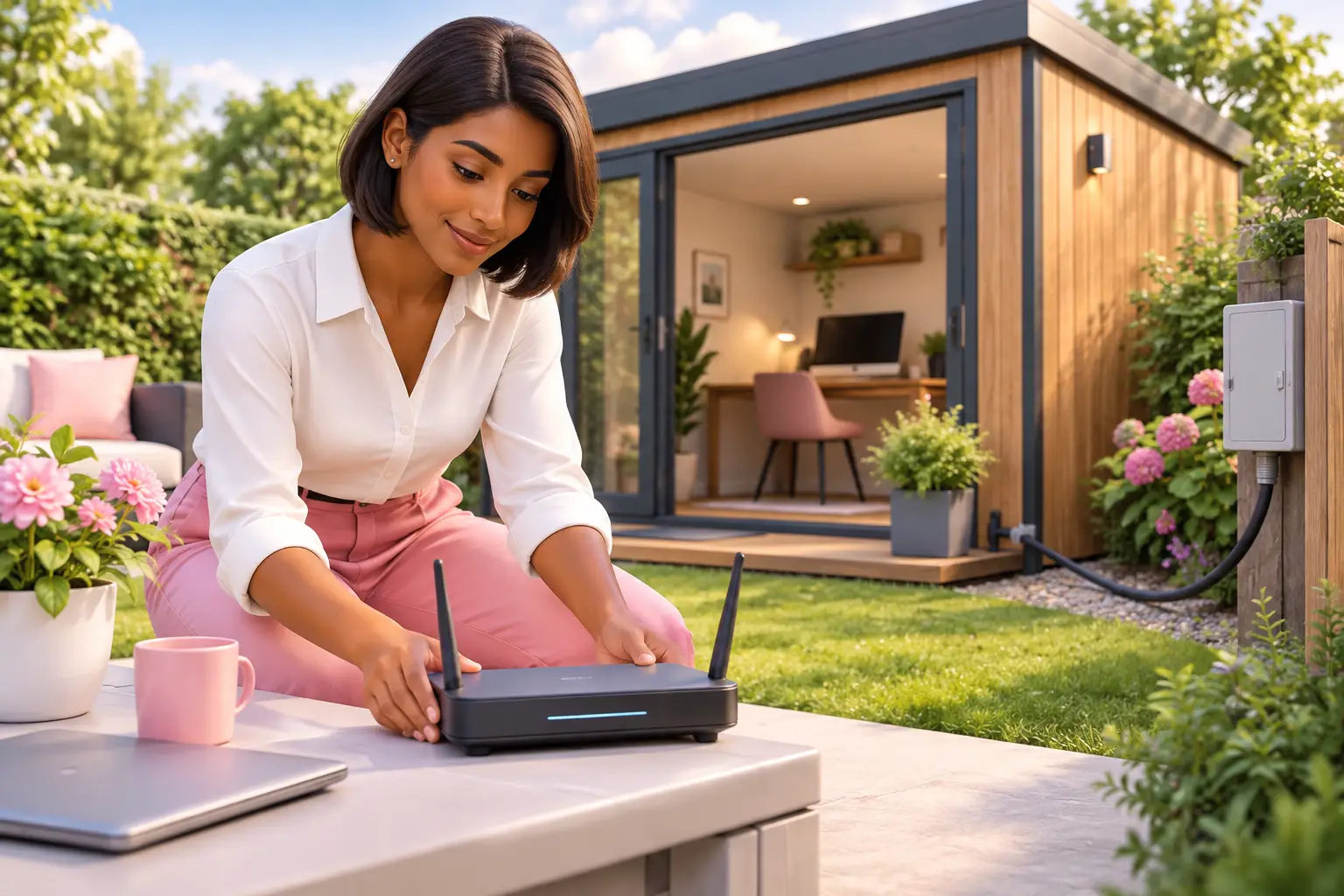
Short answer: The most reliable way to get broadband to a garden room or outbuilding is usually a network cable run from your home router, with a separate Wi-Fi access point inside. If cabling is impractical, a mesh Wi-Fi system, point-to-point wireless link or 4G/5G home broadband may work, depending on distance, walls and local coverage.
See my broadband deals. Postcode only. No signup. About 30 seconds.
- A wired connection is normally the most dependable choice for a permanent workspace.
- Wi-Fi extenders can help nearby rooms, but thick walls and distance often reduce their usefulness.
- A point-to-point wireless link suits detached buildings where you have a clear line of sight.
- 4G/5G home broadband can be a separate connection where fixed broadband cannot reach easily.
- Check power, installation work and your landlord's permission before choosing a route.
A family using a garden office for work and homework may find that the house Wi-Fi looks strong by the patio door but drops inside the room. That is because external walls, insulation, glazing and distance all weaken a wireless signal. The right answer is not always a new broadband contract. It is often about extending the connection you already have in the most suitable way.
What is the best way to get broadband to a garden room?
For most permanent garden rooms, a properly installed network cable is the best starting point.
An Ethernet cable carries data from your main router to the outbuilding. At the garden room end, you can connect a computer directly or add a Wi-Fi access point, which creates a local wireless network for laptops and other devices.
This approach avoids relying on a signal travelling through several walls. It is particularly sensible if you make video calls, transfer large files or run a small business from the room. The cable may need to be routed safely through your property or buried in suitable external ducting, so the installation work can be the deciding factor.
Ask an installer to assess the cable route rather than running an unsuitable indoor cable outdoors. If the garden room is rented or leasehold, get written permission before any drilling, trenching or exterior work.
Can I extend my home Wi-Fi to an outbuilding?
Yes, but success depends on the distance and what sits between your router and the building.
A mesh Wi-Fi system uses multiple Wi-Fi units to spread coverage around a home. Placing one unit near the garden-facing side of the house and another in the outbuilding can work where the buildings are close and the signal has a relatively clear path.
A standard Wi-Fi extender is simpler, but it has the same basic obstacle: it must receive a good signal before it can repeat one. If it is placed where the signal is already poor, the garden room connection is likely to be poor too.
Try positioning equipment before committing to permanent work. Keep it away from dense masonry, metal surfaces and electrical equipment where possible. This route is best for lighter use and shorter distances, not as a guaranteed replacement for a cable.
Is a wireless bridge better than a Wi-Fi extender?
For a detached outbuilding with clear visibility from the house, a point-to-point wireless bridge is often more reliable than an extender.
A wireless bridge uses two dedicated units: one fitted to the house and one to the garden room. They communicate directly with each other, then the garden room unit connects to an access point or wired devices inside.
The key requirement is a clear line of sight. Trees in leaf, neighbouring structures and the angle of the buildings can affect performance. You also need secure mounting, power at both ends and a plan for safe external installation.
This is a more specialist option than moving a mesh unit, but it can avoid digging up a patio or lawn. It is worth considering where the room is too far away for ordinary home Wi-Fi but a cable route would be disruptive.
Could 4G or 5G home broadband suit a garden office?
A separate 4G or 5G home broadband connection can suit an outbuilding, provided coverage at that exact location is good enough.
This option uses a router with a mobile data connection rather than a cable from your house. It can be useful for a detached workshop, a temporary office or a building where running a cable is not permitted. It also keeps the outbuilding connection separate from household use.
Coverage maps are a starting point, not a guarantee of indoor performance. Test signal in the room itself, especially at the position where the router would sit. Building materials can make a meaningful difference.
Check contract length, data allowances where applicable, equipment costs and whether the service is intended for use at your address. A fixed broadband connection may still be the better long-term choice for consistent home working.
| Option | Best for | Main advantage | Watch out for |
|---|---|---|---|
| Ethernet cable and access point | Permanent offices and regular work use | Reliable connection and strong local Wi-Fi | External cabling or groundworks may be needed |
| Mesh Wi-Fi | Nearby rooms with few obstructions | Simple extension of your existing network | Walls and distance can reduce performance |
| Point-to-point wireless bridge | Detached rooms with clear line of sight | No trenching required | Needs careful positioning and installation |
| 4G/5G home broadband | Locations where a cable is impractical | Independent connection for the outbuilding | Coverage and contract terms vary by address |
Do I need faster broadband for a garden room?
Not necessarily: the speed you need depends on everything using the connection, not simply on where you are sitting.
A garden room can expose a weakness in an existing connection because it adds more devices and more demand at the same time. If the household already struggles with video calls or multiple users, extending Wi-Fi alone will not increase the broadband speed arriving at your home.
Start by separating two issues: the speed delivered to your main property and the quality of the connection between the house and outbuilding. A cable can fix poor garden-room Wi-Fi while leaving the incoming broadband speed unchanged.
If your current contract is ending or no longer suits your household, check what fixed-line and 4G/5G options are available at your address. Availability can differ even between neighbouring streets.
What should I check before installing broadband in an outbuilding?
Check the route, power supply, permissions and intended use before buying equipment.
Measure the distance from your router to the room and note every wall, gate, path or planting area in between. Consider whether you need a wired computer connection, better Wi-Fi for several people, or a separate service. These needs point to different solutions.
If you are planning a permanent room, include connectivity in the building work rather than treating it as an afterthought. A duct installed during construction can make future cable changes much easier. For rented homes, ask the landlord before altering the property.
Also consider the landline switch-off. The old PSTN network closes on 31 January 2027, so any older phone equipment in a garden office should be checked before relying on it for work calls.
How do I choose a broadband contract for a garden office?
Choose the home connection based on your whole household's usage, then choose the extension method separately.
You may not need a new contract if your current fixed broadband performs well indoors. If you do need to switch, compare the available options by postcode and address, rather than assuming a familiar provider or advertised technology is available to you.
For most residential switches, One Touch Switch means you contact the new provider only, and it manages the switch. One Touch Switch went live on 12 September 2024 and is run by TOTSCo. Check your contract end date and any early exit charges before placing an order.
New contracts must show any mid-contract price rises in pounds and pence at the point of sale. Ofcom banned inflation-linked mid-contract rises in new contracts from 17 January 2025. Read the contract wording alongside installation times and any equipment requirements.
What to do next
- Test the existing Wi-Fi in the garden room and identify whether the issue is coverage or the main broadband connection.
- Get advice on a safe cable route or assess whether a mesh system, wireless bridge or 4G/5G connection better fits the building.
- Check your postcode and address to see which broadband options are available.
Frequently asked questions
Can I run an Ethernet cable to a garden room myself?
You can, but outdoor routing and safe installation need care. The cable type, weather protection and route matter, particularly if it crosses a path or needs to enter a building. If you are unsure, use a qualified installer. They can help avoid a cable arrangement that is exposed to damage or unsuitable for external use.
Will powerline adapters work in an outbuilding?
They may work where the garden room and house share the same electrical installation, but results vary. Different circuits, consumer units and electrical interference can affect them. Treat powerline equipment as something to test rather than a guaranteed answer for a work-critical connection.
Can I use my existing router in the garden room?
Usually, your main router should stay where the incoming broadband line enters the property. You can add a wired access point, mesh unit or other networking equipment in the garden room instead. This keeps the main connection in place while improving coverage where you work.
Does full fibre automatically improve garden room Wi-Fi?
No. Full fibre can improve the connection arriving at your home, but Wi-Fi coverage inside or beyond the house is a separate issue. You may still need a cable, access point, mesh system or wireless bridge to provide a dependable connection in the outbuilding.
What if I work from a rented garden room?
Ask who is responsible for internet access and whether you can make changes before arranging any installation. A removable mesh setup may be more suitable than drilling or exterior cabling. If the room is part of your rented home, check your tenancy terms and seek the landlord's written consent where needed.
See my broadband deals. Postcode only. No signup. About 30 seconds.
A garden room should feel like part of your home, not the place where the connection gives up. Start with the physical route between the buildings, then use an address check to decide whether your main broadband service also needs attention.