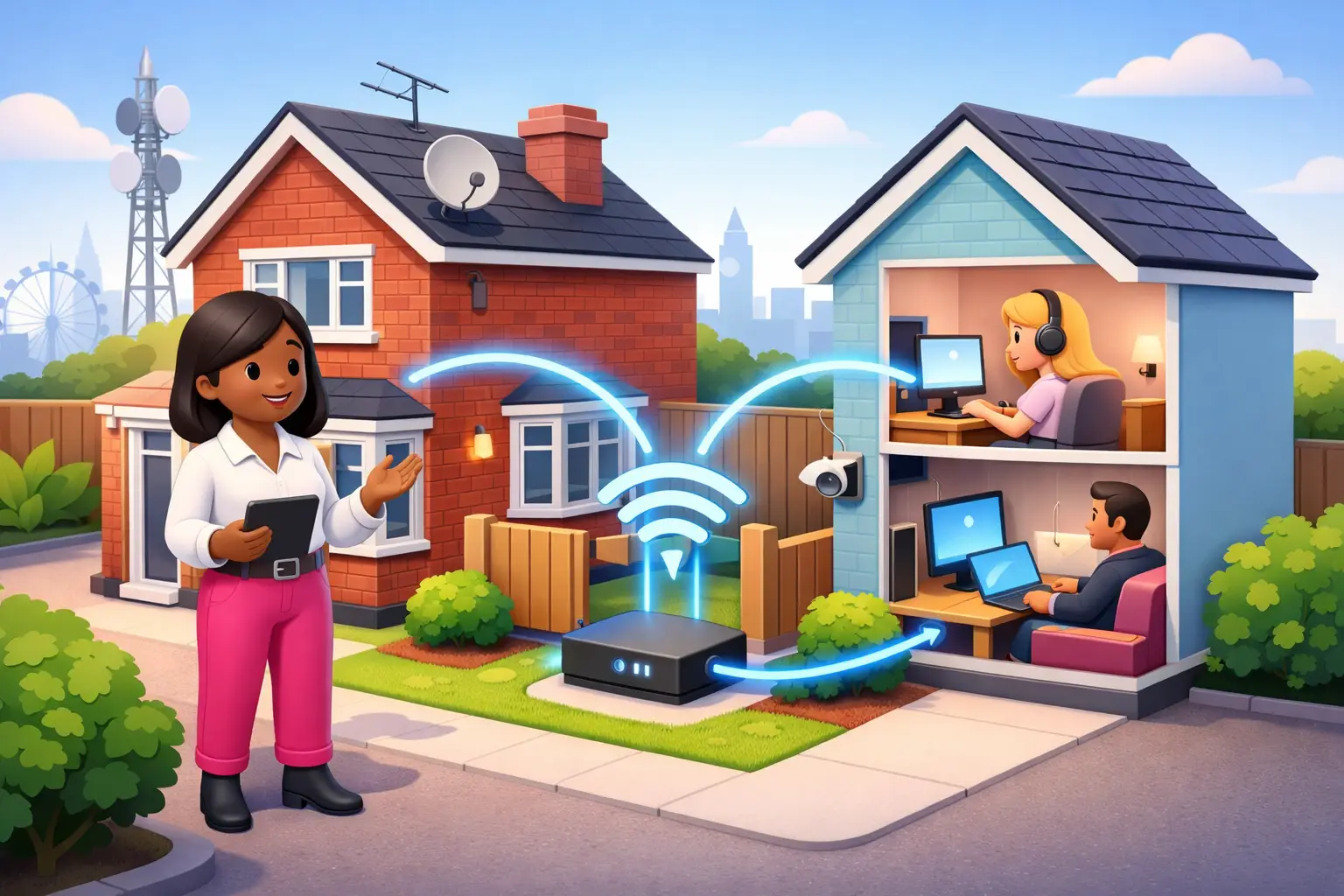
Direct answer: Sharing broadband with a neighbour in the UK is not simply a Wi-Fi question. Check the broadband contract first, agree who pays and who manages the account, secure the network properly, and get any necessary landlord or building permission before equipment or cables cross a boundary.
- The account holder remains responsible for charges, contract terms and activity connected to the service.
- A written agreement can prevent arguments over monthly bills, repairs and access to the router.
- A separate guest network is usually safer than giving a neighbour access to a household's main network.
- Compare the full cost of a connection for each home before sharing, including setup charges and the risk of being tied to somebody else's contract.
Is sharing broadband with a neighbour allowed in the UK?
It may be possible, but the broadband provider's contract and the practical arrangement determine whether it is sensible. There is no single household broadband rule that makes every shared connection acceptable. The key document is the account holder's service agreement, which may set conditions on use, equipment, address and sharing access outside the household.
Read the current terms before offering a neighbour access, particularly if they will contribute towards the bill or if a cable, antenna or router will serve another property. Do not assume that a normal household package permits an arrangement that resembles supplying connectivity to a separate home or business.
The account holder should also consider who is using the service. They remain the provider's customer, receive communications about faults and payments, and may be contacted if there is a complaint about use of the connection. For a sole trader working from home, sharing can add avoidable uncertainty around reliability, privacy and responsibility.
What should you check in a broadband contract before sharing?
Check the service address, permitted use, responsibility for equipment and any restrictions on giving access to others. Broadband contracts differ, so a neighbour's contribution to costs should not be treated as a minor detail. If the arrangement is unclear, ask the provider for a written explanation before proceeding.
Look beyond the monthly price. Check the minimum term, any installation or activation charge, early termination charge, equipment return requirements and stated treatment of price rises. For new contracts entered into from 17 January 2025, providers must state any mid contract price rises in pounds and pence at the point of sale, rather than using inflation linked or percentage based terms (Ofcom, 2024).
Sharing also makes moving home more complicated. If the named customer moves, the neighbour may lose service immediately or need to arrange their own connection. A separate contract for each address is usually the cleaner option where reliable work, study or home security depends on broadband.
Do you need your landlord or neighbour's permission to share Wi-Fi?
You should obtain clear permission before installing equipment or running a cable through shared, rented or neighbouring space. A wireless signal reaching another home may not require physical work, but a stable arrangement often leads to requests for a better router position, an external cable or access to a socket.
Renters should check their tenancy terms before fixing equipment to walls, drilling holes or changing communal areas. Flat residents should also be careful with corridors, stairwells, shared risers and building entry points. Permission from the person receiving the signal is not necessarily permission to alter the building or cross land owned by someone else.
Keep the arrangement simple and reversible wherever possible. Agree where the router stays, who can reset it, and what happens if the account holder needs access to their own equipment. If consent cannot be confirmed, ordering a separate service is the lower risk choice.
How can you share broadband with a neighbour safely?
Use a separate guest network and do not share the main Wi-Fi password or router administrator details. A guest network helps separate a neighbour's devices from household devices, although the exact controls available depend on the router. Change the router's default administrator password, use a strong Wi-Fi password and install provider supplied updates when offered.
Do not place a neighbour's device on a network that gives access to printers, storage drives, smart home controls or work equipment. The shared connection may be convenient, but it does not create shared trust. The household should retain control of the router and be able to remove access if a security concern arises.
Be realistic about coverage. Thick walls, distance and competing household use can make a connection unreliable even where the broadband line itself is performing normally. A signal extender may improve reach within a property, but it does not change what the contract permits or solve permission issues between separate homes.
Is it cheaper to share broadband or get separate contracts?
Sharing can reduce one monthly bill, but it is not automatically better value once reliability, contract risk and installation are considered. A neighbour might contribute fairly for use, yet the named customer still carries the full payment obligation if that contribution stops. They may also be unable to change package, move home or cancel at the time that suits them.
| Question | Shared connection | Separate connection |
|---|---|---|
| Monthly responsibility | Usually rests with one account holder | Each home manages its own bill |
| Fault handling | One household reports and manages faults | Each household deals with its own service |
| Privacy and network control | Needs careful guest network setup | Each home controls its own network |
| Moving or cancelling | Can affect both households | Usually affects only the named customer |
Compare total contract cost rather than focusing only on an advertised monthly figure. Availability, technology and current month prices are postcode variable. Depending on the address, full fibre, FTTC, cable, altnets, 4G or 5G home broadband may offer a practical separate connection without relying on a neighbour's account.
What speed do two neighbouring homes need?
The right speed depends on simultaneous use, not the number printed on the router box. Two homes can create peaks at the same time, particularly where both households work from home, make video calls, upload files or use multiple connected devices. A shared connection can feel satisfactory at quiet times and frustrating when both households need it most.
Ask each household what must work without interruption. Video calls and cloud backups are especially useful tests because upload capacity and Wi-Fi quality matter as well as download speed. A connection delivered over FTTP may have different characteristics from FTTC, cable, 4G or 5G home broadband, and availability is specific to the address.
Ofcom's Connected Nations reporting tracks the availability of fixed and mobile networks across the UK, but it cannot tell you how a particular router placement or two-home sharing arrangement will perform. Check the options for each exact address before deciding that one line is enough.
How do you switch from shared broadband to your own connection?
Order the new connection first, then agree an end date for shared access once installation is confirmed. This reduces the chance of a neighbour being left without service because an appointment is delayed or a property needs additional work. Installation timing depends on the technology available and the condition of the address.
Where One Touch Switch applies, the customer contacts only the new provider, which coordinates the switch process (TOTSCo, 2024). One Touch Switch went live on 12 September 2024 and is run by TOTSCo (TOTSCo, 2024). It does not remove the need to check whether a shared arrangement involves separate equipment, landlord permissions or a distinct service address.
Before ordering, confirm the total monthly cost, contract length, setup charges and any stated pounds and pence price changes. Keep the old shared Wi-Fi available until the new service is working, then remove the neighbour's guest access and return any equipment required by the account holder's provider.
Are there rules for sharing broadband with a neighbour in the UK?
Yes: the practical rules are your provider's terms, property permissions, secure network management and a clear agreement between both households. Treat a shared connection as a temporary arrangement unless every part of it is clear in writing. A separate contract gives each home more control over faults, bills and switching.
Can my neighbour pay towards my broadband bill?
A neighbour can offer a contribution, but that does not transfer the account holder's responsibility to them. Check the broadband contract before accepting payment, especially where the arrangement is ongoing. Agree the amount, payment date, notice period and what happens if service is unavailable, preferably in writing.
Can I run a cable from my house to my neighbour's house?
Do not run a cable across a boundary, shared area or rented property without the relevant owner's permission. Physical installation can create issues around access, safety, maintenance and future removal. A separate service at each address usually avoids these complications.
Will sharing Wi-Fi make my broadband slower?
It can. More devices and simultaneous activity share the available connection and Wi-Fi capacity. The effect depends on the connection type, router placement and what both homes do online at the same time. A guest network improves separation, not the underlying capacity.
Can I switch if my neighbour uses my broadband?
You can usually arrange a change as the account holder, but your neighbour may lose access during the switch or if the old service ends. Tell them before placing an order, check the proposed activation date, and encourage them to arrange their own connection if continuity matters.
A shared connection can work for a short, well understood period, but it is rarely the best long term answer for two independent homes. For a clear view of broadband available at your address, enter your postcode with BroadbandSwitch.uk and compare the total cost, contract terms and installation options before committing.
Last reviewed: July 2026