The Best Broadband for Gaming in 2026 (Ping, Latency and Jitter Ranked)
Last reviewed: 16 April 2026 · By the BroadbandSwitch.uk editorial team
In one minute: For gaming, speed is not the number that matters most. Ping (latency), jitter and packet loss decide whether the game feels tight or laggy. The best UK gaming broadband in 2026 is full-fibre (FTTP) on a private-network altnet such as Community Fibre, Hyperoptic or YouFibre, with consistent ping under 15 ms. BT and Sky FTTP are a close second. Virgin Media gigabit is fast but jitterier. FTTC (part-fibre) is a last resort. For most gamers, 100 to 300 Mbps with symmetric upload is more than enough; gigabit is future-proofing rather than a gaming necessity.
Compare gaming broadband by postcode →
The four metrics that actually matter for gaming
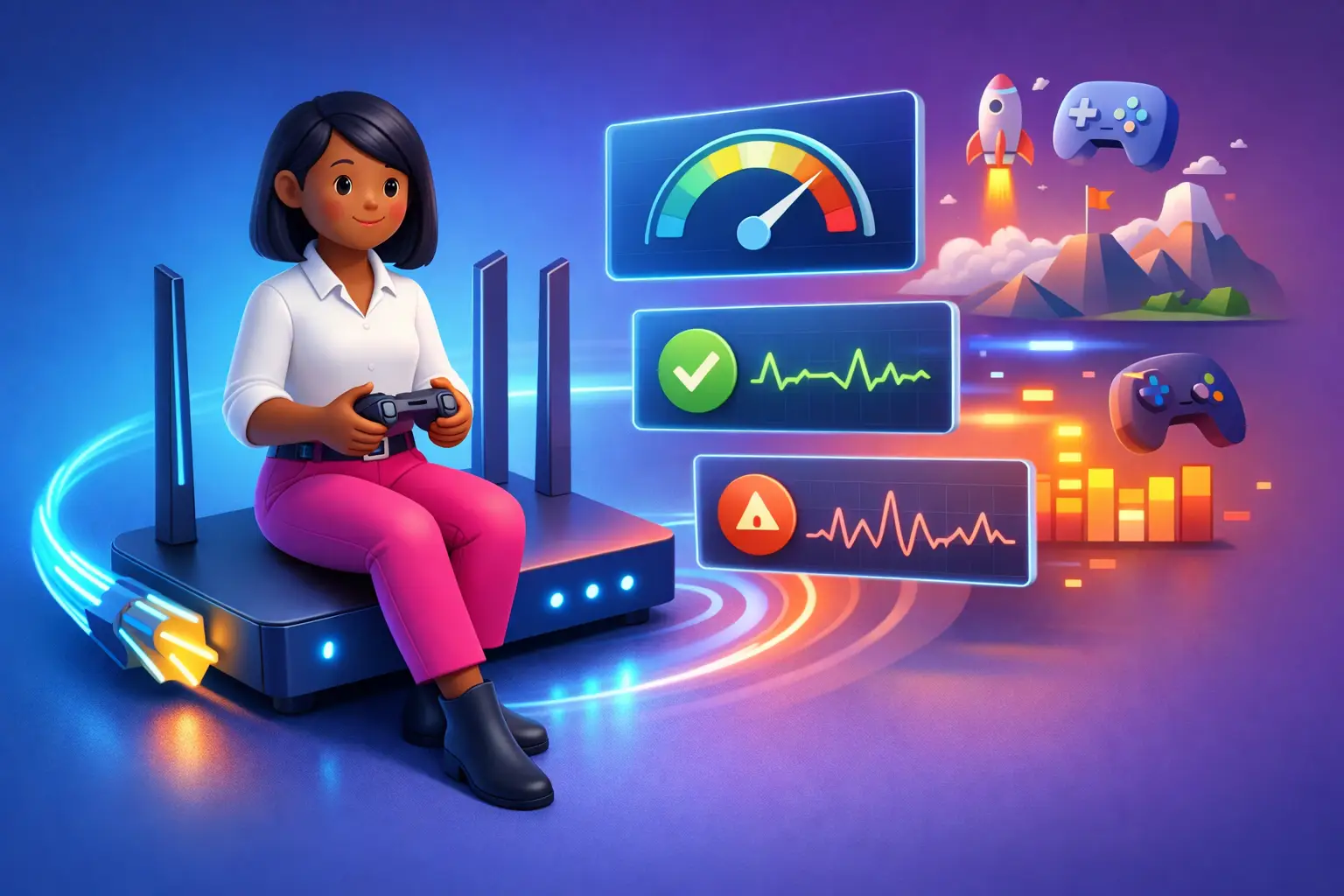
Ignore download speed advertising for a moment. For gaming, what you care about is:
- Ping (latency): the round-trip time in ms between your PC or console and the game server. Lower is better. Under 20 ms feels instant. Over 60 ms is noticeable in fast-paced games.
- Jitter: the variability in ping. Low, stable ping trumps low-but-spiky ping. Under 5 ms is excellent.
- Packet loss: the percentage of data packets that never arrive. Even 1% makes shooters, fighters and racing games unplayable.
- Upload speed: often forgotten. Your moves travel upstream before the server reacts, and low upload can cause rubber-banding. 20 Mbps+ upload is ideal.
Download speed is the least important gaming metric once you are above 25 Mbps. A 50 Mbps FTTP line with 2 ms jitter will beat a 1 Gbps line with 30 ms jitter every time. Our latency, jitter and packet loss guide has deeper detail on what each number does to your game feel.
Connection types ranked for gaming
| Connection type | Typical ping | Jitter | Gaming verdict |
|---|---|---|---|
| Altnet FTTP (Community Fibre, Hyperoptic, YouFibre, Zen) | 5 to 15 ms | Very low | Best available |
| Openreach FTTP (BT, Sky, Vodafone, Plusnet, EE, TalkTalk) | 10 to 20 ms | Low | Excellent |
| Virgin Media cable (Gig1/Gig2) | 10 to 25 ms | Moderate | Very good but jitterier |
| FTTC (part-fibre) | 15 to 40 ms | Variable | Workable but dated |
| 5G home broadband | 20 to 50 ms | Variable | OK for casual, not competitive |
| 4G home broadband | 30 to 80 ms | High | Avoid for real-time gaming |
The short version: FTTP wins. If your address has Community Fibre, Hyperoptic, YouFibre, Zen, Brsk, G.Network, Cuckoo or Openreach fibre, you have gaming-grade broadband available. Our connection types comparison explains why.
The 2026 UK gaming broadband ranking
1. Community Fibre (London)
Average ping 5 to 12 ms. Symmetric up to 3 Gbps. Minimal jitter because Community Fibre runs a private full-fibre network with limited congestion. Competitive pricing starts around £22 a month for 150 Mbps. If Community Fibre covers your London address, it is the best broadband for gaming available in the UK today. See Community Fibre broadband deals.
2. Hyperoptic (urban flats and apartments)
Average ping 5 to 15 ms. Symmetric speeds up to 1 Gbps. Hyperoptic specialises in multi-dwelling units (flats and apartment blocks) and delivers outstanding consistency. Prices start around £23 a month. If you live in a Hyperoptic-enabled block, this is gaming-grade broadband at a reasonable price. See Hyperoptic broadband deals.
3. YouFibre
Average ping 6 to 14 ms. Symmetric up to 8 Gbps (yes, really). YouFibre offers some of the lowest prices in the UK for full-fibre and some of the fastest symmetric uploads. Coverage is growing. See YouFibre broadband deals.
4. BT Full Fibre
Average ping 10 to 20 ms. Up to 1.6 Gbps downloads, typically asymmetric uploads (50 to 220 Mbps). BT is the most widely available full-fibre provider in the UK and offers consistent, gaming-grade performance with excellent customer support and 4G backup on most plans. See BT broadband deals.
5. Sky Full Fibre (Gigafast)
Average ping 10 to 18 ms on FTTP. Up to 1 Gbps with asymmetric upload. Sky's own gaming-optimised service (Sky Broadband Gaming) applies QoS to prioritise game traffic. Works well for console gamers. See Sky broadband deals.
6. Virgin Media Gig1
Average ping 10 to 25 ms. 1.1 Gbps download but upload capped at around 52 Mbps on cable. Virgin is fast and cheap, but its cable network can show more jitter at peak times because it is shared infrastructure. Good for casual gaming, less ideal for competitive play. See Virgin Media broadband deals.
7. Vodafone Full Fibre
Average ping 12 to 22 ms. Up to 2 Gbps symmetric on Pro2 plans. Vodafone uses the Openreach and CityFibre networks, so performance varies slightly by postcode. Bundled mobile discounts make it attractive for households with Vodafone SIMs. See Vodafone broadband deals.
8. Zen Internet
Average ping 10 to 18 ms. Award-winning customer service, no mid-contract price rises on most plans, and full symmetric uploads on FTTP. A premium choice for gamers who want the best support and a stable pricing model. See Zen broadband deals.
9. EE Full Fibre
Average ping 10 to 20 ms. Up to 1.6 Gbps on the Openreach network. EE includes a gaming-focused "EE Game Mode" on its Smart Hub Pro that deprioritises background traffic. Solid choice for EE mobile households. See EE broadband deals.
10. Plusnet Fibre
Average ping 15 to 25 ms on FTTC, 12 to 20 ms on FTTP. Cheaper than BT (same parent company) with a no-frills service. Good for budget-conscious gamers on FTTP addresses. See Plusnet broadband deals.
What speed tier do you actually need?
This depends on what else is happening on your network. Gaming itself rarely uses more than 1 to 2 Mbps of download and upload during play. The bigger constraints are:
- Game downloads and patches. A modern AAA game is 80 to 200 GB. On a 50 Mbps line, that's 3 to 8 hours. On a 1 Gbps line, 10 to 30 minutes.
- Streaming while gaming. If someone else is watching 4K on Netflix while you play, you need enough bandwidth for both.
- Streaming your gameplay. 1080p60 to Twitch takes 6 to 8 Mbps upload; 4K needs 20 Mbps+. This is where symmetric FTTP shines.
Practical recommendations:
- Solo casual gamer: 100 to 150 Mbps FTTP is plenty.
- Family with a gamer: 300 to 500 Mbps FTTP handles gaming plus concurrent 4K streaming.
- Streamer or serious competitive player: 500 Mbps to 1 Gbps FTTP with 100 Mbps+ symmetric upload.
- Household of 4+ heavy users: 500 Mbps to 1 Gbps FTTP, ideally with Wi-Fi 6 or Wi-Fi 7 router for whole-home coverage.
Our what broadband speed do I need guide has a quick matching tool.
Things that matter more than raw speed
Wi-Fi quality. Your router is often the weakest link. An older Wi-Fi 5 router on a gigabit line loses 40 to 60% of speed to the PS5 in the next room. Wi-Fi 6 or Wi-Fi 7 dramatically improves this. Most gamers should game on Ethernet whenever possible.
Router placement. Every wall knocks off Wi-Fi bandwidth. Elevate the router, put it in a central room, and avoid putting it inside a cabinet or next to a microwave. A mesh system beats a single-router setup in large homes.
QoS (Quality of Service). Most modern gaming routers let you prioritise game traffic over background downloads. Turn it on.
Server location. If you are on a UK line but playing on a US server, no ISP change will save you. European and UK servers give the best ping.
Gamer-specific features to look for
- Symmetric or near-symmetric upload: essential for streaming and for low-latency in real-time games.
- Wi-Fi 6 or Wi-Fi 7 router included: materially better for wireless gaming.
- Guaranteed minimum speeds in writing: your exit right if the line underperforms.
- 4G/5G backup (BT Hybrid Connect, Sky Broadband Buddy): keeps you online if the main line fails mid-match.
- No or fixed price rises: many altnets freeze prices for the contract.
- Static IP option: useful for hosting servers. See our static IP guide.
Common questions
Is 1 Gbps overkill for gaming?
For the game itself, yes. For faster game downloads, streaming 4K alongside, or a busy household, it is genuinely useful.
Is Virgin Media good for gaming?
Yes for most gamers. The ping is respectable and the speeds are strong. It is slightly more prone to peak-time jitter than FTTP, which matters most for competitive multiplayer.
Can I game on 5G home broadband?
For casual and single-player: yes. For competitive multiplayer: not ideal. Ping and jitter are usually higher than FTTP.
Do gaming routers make a difference?
The ones with better Wi-Fi and QoS do. The "gamer" branding alone does not.
What's a good ping number to aim for?
Under 20 ms for competitive play. Under 40 ms for casual. Over 60 ms is noticeable in fast games.
What should I do if my gaming line has high ping or jitter?
Test wired first to rule out Wi-Fi. If the wired line is still bad, log evidence and contact your provider. Under the Ofcom Codes of Practice, a line that persistently underperforms its minimum guaranteed speed can be exited penalty-free (Ofcom, 2024). See our poor-speeds exit guide.
Your next step
The gaming provider that's right for you depends almost entirely on which altnets and full-fibre providers are live at your postcode. A quick check shows you the actual options, with real ping-friendly FTTP deals rather than national averages.
Find gaming broadband at your postcode →
Related reading
- Broadband for gaming (main guide)
- Latency, jitter and packet loss explained
- Upload vs download speed
- Full fibre (FTTP) broadband deals
- Gigabit broadband deals
- Connection types compared
References
BroadbandProvider.co.uk. (2026). Best broadband for gaming UK: speeds and providers 2026. Retrieved from broadbandprovider.co.uk
CompareFibre. (2026a). Broadband for gaming. Retrieved from comparefibre.co.uk
CompareFibre. (2026b). Best broadband for gaming. Retrieved from comparefibre.co.uk
Ofcom. (2024). Codes of Practice on broadband speeds. Retrieved from ofcom.org.uk
Ofcom. (2025). Connected Nations 2025. Retrieved from ofcom.org.uk
Written and reviewed by the BroadbandSwitch.uk editorial team. See our methodology and trust hub and editorial policy for how we research and update our guides.